Modern Warfare 4 PC requirements and 60 fps settings
Published on · Updated on
Activision requires a 115 GB SSD plus TPM 2.0 and Secure Boot, and targets 90 fps at its recommended specs; here are the settings that lock in 60 fps on PC.
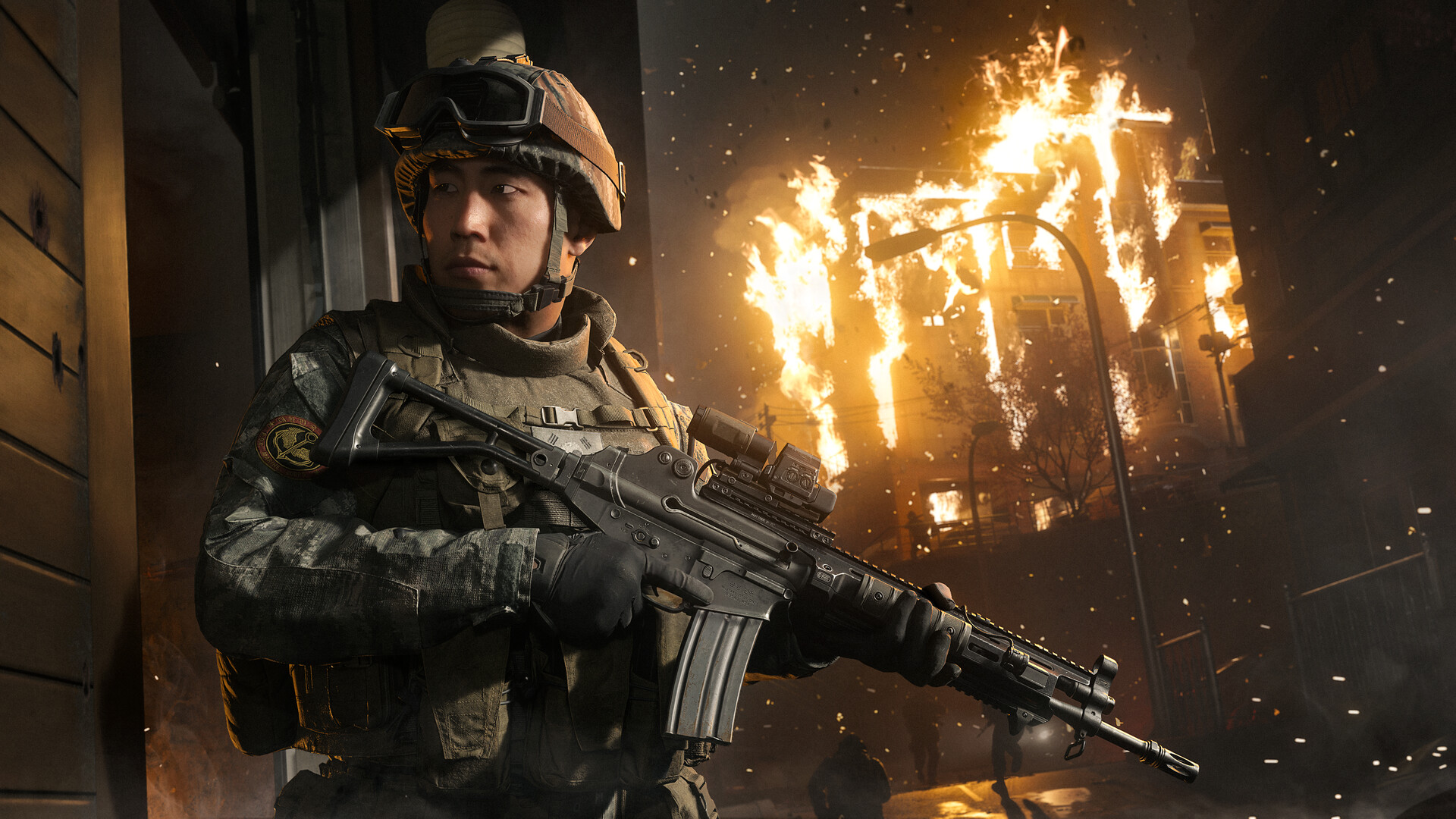
Call of Duty: Modern Warfare 4 arrived on PC on October 23, 2026 with a three-tier spec sheet published by Activision: minimum, recommended and ray tracing. All three repeat the same storage demand — an SSD with 115 GB free — plus TPM 2.0 and Secure Boot required to play. The recommended build (Ryzen 5 3600 or Core i7-8700K, 16 GB of RAM and GeForce RTX 3060 Ti, Radeon RX 6600 XT or Intel Arc B580) is calibrated by the company for 90 fps in multiplayer on High settings. Anyone who only wants a steady 60 fps has headroom — as long as the right changes are made in the right order.
This guide gathers the official numbers, what the 115 GB figure actually means, what changes on PC compared with consoles and a testable settings routine, backed by outlets that benchmarked the game. The sources are Activision's own documents, the Steam store page and the performance analysis published by PC Gamer with the card the publisher calls "recommended".
Official requirements: minimum, recommended and ray tracing
Activision keeps three separate lists. The first only guarantees the game boots and runs; the second is the one the company uses as its smoothness reference in multiplayer; the third exists for players who want ray tracing at high resolution with image reconstruction. Comparing all three shows where the hardware cost really sits.
| Component | Minimum | Recommended (90 fps in MP) | Ray tracing at 4K |
|---|---|---|---|
| OS | Windows 10 64-bit, latest update | Windows 11 64-bit, latest update | Windows 11 64-bit, latest update |
| CPU | Ryzen 5 1400 or Core i5-6600 | Ryzen 5 3600 or Core i7-8700K | Ryzen 7 3700X or Core i7-10700K |
| Memory | 8 GB | 16 GB | 32 GB |
| Graphics card | RX 470, GTX 970 / 1060 or Arc A580 | RX 6600 XT, RTX 3060 Ti or Arc B580 | RX 9070 XT or RTX 5070 Ti |
| VRAM | 3 GB | 8 GB | 16 GB |
| Storage | SSD with 115 GB free | SSD with 115 GB free | SSD with 115 GB free |
Three details outside the table regularly derail installs: only Intel and AMD processors with the AVX instruction set are supported; Intel Arc cards require Resizable BAR enabled; and DirectX 12 is mandatory at every tier. Activision also notes that the specs are valid for launch and may be revised later.
What is different about Modern Warfare 4 on PC
The PC version was led by Beenox in partnership with Infinity Ward, and the official pitch is scale: the game has to run on older machines while still taking advantage of top-end cards. The company cites more than 800 customisation options across graphics, gameplay, input devices and interface, plus automatic configuration based on the detected hardware.
"Modern Warfare 4 is raising the bar for PC performance, targeting 90 FPS at Recommended Specs without compromising visual quality."
The technical package includes four image reconstruction paths: NVIDIA DLSS 4.5, AMD FSR Redstone, Intel XeSS 3 and Filmic SMAA T2X, the latter as the default anti-aliasing. There is also a built-in benchmark that runs a simulated multiplayer sequence and reports average fps, CPU and GPU usage, ping, input latency and per-zone suggestions. For anyone who prefers measuring to guessing, it is the most honest starting point available inside the game itself.
Two other features deserve attention before the first firefight. Advanced Shader Delivery pushes precompiled shaders during installation and updates on supported platforms — Activision recommends installing the Xbox PC app in advance, whichever store you use, to shorten the first setup. Enhanced FOV, exclusive to PC, widens the field of view at the edges of the monitor using physically plausible lens effects without touching the centre of the image.
Official video: the Modern Warfare 4 PC trailer, published on the official Call of Duty channel, shows the game in ultrawide and HDR.
115 GB is required space, not the download size
This is the most common mix-up in searches about the game. Activision does not publish the download size or the installed footprint on PC: the official number is free space required — 115 GB on an SSD — to install at launch. The spec sheet adds that "additional storage space may be required for mandatory game updates", which turns 115 GB into a floor, not a ceiling.
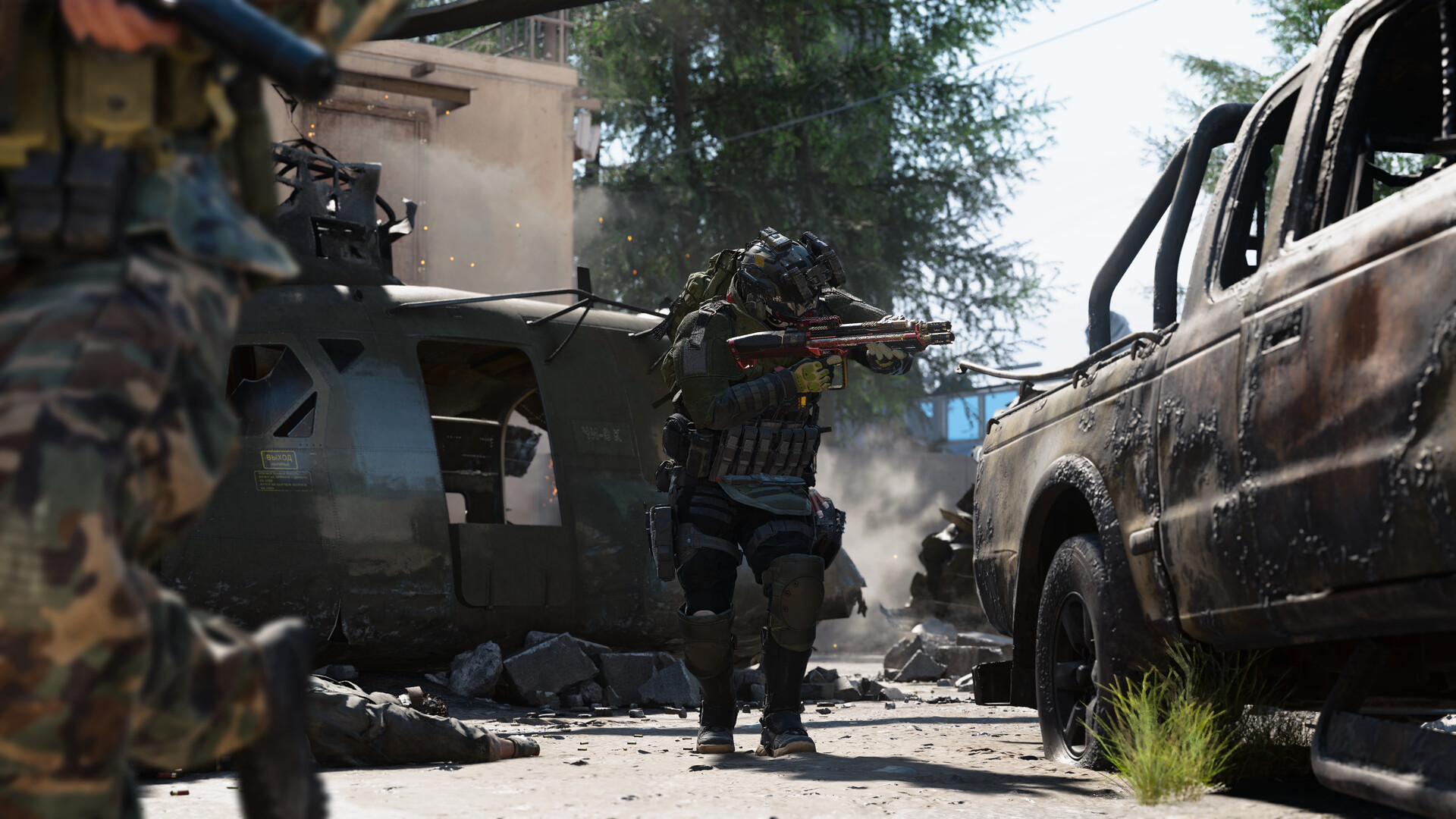
In practice, the installer lets you pick packs — campaign, multiplayer, DMZ and, when available, Warzone. Playing a single mode cuts the footprint; installing everything demands headroom. Store listings and preload figures reported by specialist outlets point to around 117 GB on PlayStation 5 before the Warzone pack, roughly 194 GB on Xbox Series X|S and between 77 GB and 85 GB on Nintendo Switch 2, plus reports of about 124 GB on Battle.net with the Call of Duty HQ component. Those are third-party measurements, not official Activision numbers.
The practical recommendation is to set aside 20 GB to 30 GB beyond the required 115 GB, especially on PC, where mandatory patches and shader caches arrive with each season. The game also streams textures in every mode to reduce total storage — which explains the broadband requirement even in private matches. Season 1, which began on November 6, is the first real test of that margin.
How to reach 60 fps without losing your aim
The most frequent mistake is starting with the graphics preset. The order that works is different: measure, adjust internal resolution and only then touch shadows and effects. The built-in benchmark exists for exactly this and should be run before and after every meaningful change.
- Update drivers and shaders. Install the latest driver from your GPU maker and let shader precompilation finish before judging performance. Stutters in the first few minutes are usually cache, not a hardware shortfall.
- Run the benchmark on the preset you intend to use. Write down average fps, minimum fps and latency. Without a baseline, every tweak is a guess.
- Start with the Balanced preset. It is the sweet spot pointed out by benchmark testing: below it the fps gain shrinks, above it the cost climbs fast.
- Turn image reconstruction to Quality. It is the biggest return per click. At 1440p, the difference between native and quality upscaling is what separates "playable" from "smooth".
- Cut shadows, occlusion and screen-space reflections. These are expensive effects with modest visual impact in motion. Shadow quality, shadow filtering, occlusion and screen-space lighting and static reflections can all go down without a competitive penalty.
- Turn ray tracing off in multiplayer and DMZ. In campaign it is worth testing; in competitive play the fps cost rarely pays off.
- Leave frame generation off until you have a stable base. Generating intermediate frames raises the displayed number but does not reduce the latency of what you control. Enable it only after hitting your target with real frames.
- Cap fps slightly below your monitor's rate. A stable ceiling usually feels better than high peaks followed by drops.
What is expensive and what is nearly free
- Expensive: ray tracing, screen-space reflections, occlusion and screen-space lighting, shadow quality, volumetrics, particle resolution and native resolution scale.
- Cheap: anisotropic filtering, terrain quality at medium, character detail, motion blur and depth of field off, film grain at zero.
- VRAM-dependent: texture resolution and VRAM scale target. With 8 GB, textures on Normal and a target near 80% avoids texture-swap stutter; with 16 GB you can raise textures safely.
Three 60 fps recipes by hardware tier
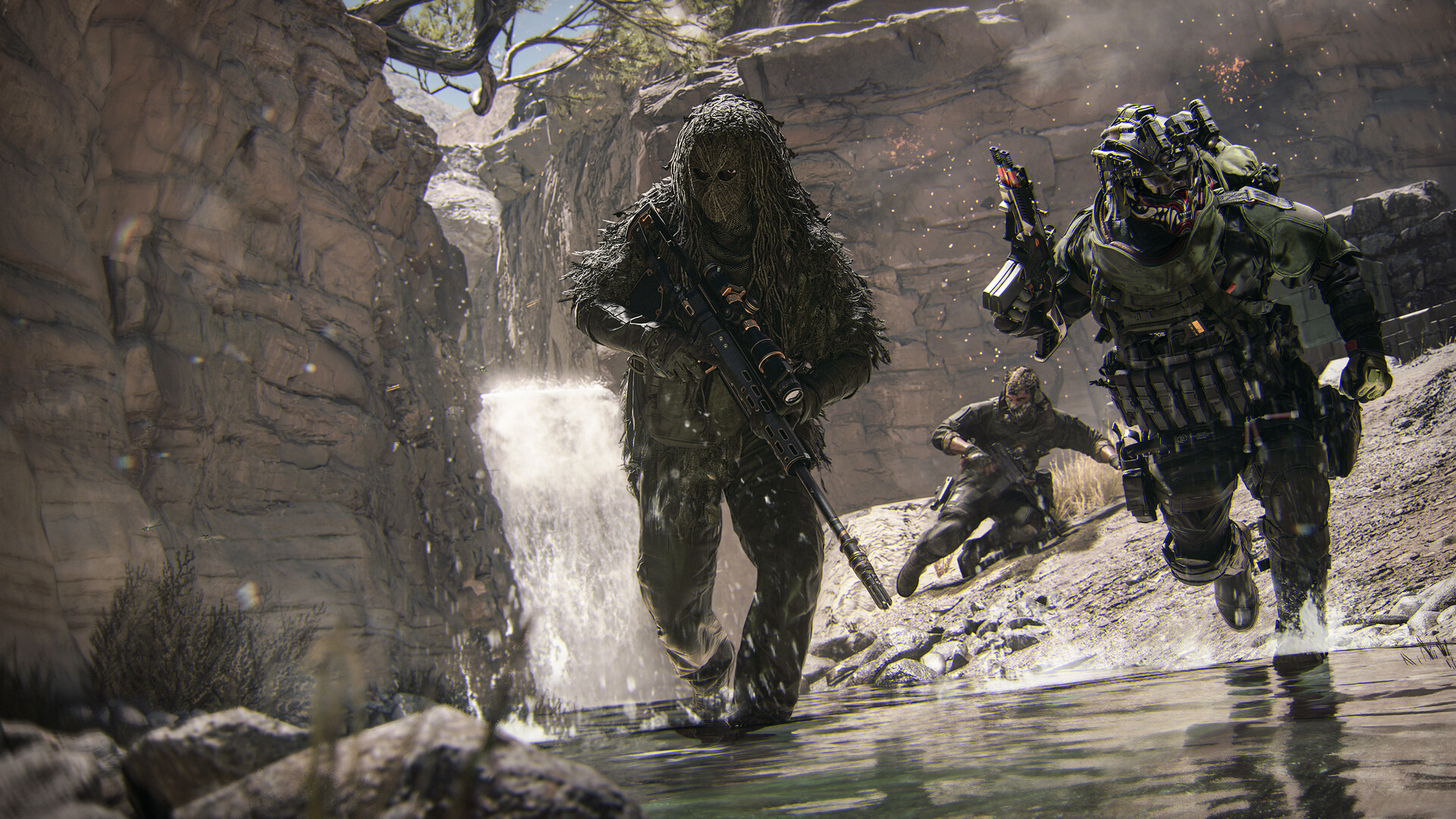
The targets below start from the official specs and public benchmarks with the recommended card. They do not replace the benchmark on your own machine, but they give a realistic starting point for each profile.
| Profile | Target | Suggested settings |
|---|---|---|
| Entry (GTX 970 / 1060, RX 470, Arc A580) | 60 fps at 1080p | Minimum preset, Performance upscaling, lowest shadows, ray tracing off, Normal textures |
| Mid-range (RTX 3060 / 4060, RX 6600 XT) | 60 to 90 fps at 1080p | Balanced preset, Quality upscaling, low reflections and occlusion, frame generation off |
| Recommended (RTX 3060 Ti, RX 6600 XT, Arc B580) | 90 fps at 1440p | Balanced preset, DLSS/FSR/XeSS on Quality, ray tracing off in MP and DMZ |
| High-end (RTX 5070 Ti, RX 9070 XT) | Ray tracing at reconstructed 4K | High preset, Balanced upscaling, ray tracing on, frame generation optional in campaign |
PC Gamer tested exactly the card Activision recommends, the RTX 3060 Ti, with a Ryzen 7 7800X3D and 32 GB of DDR5. At 1440p native on the Balanced preset, the average sat just above 60 fps. With DLSS on Quality it rose to the 90–100 fps range. At 1080p with upscaling, the campaign average went past 120 fps; in DMZ performance drops a little, landing between 80 and 95 fps at 1440p with DLSS.
"Enabling Quality upscaling takes frame rates from just above 60 to around 90 or even 100 when using the Balanced preset."
One divergence between official documents is worth noting: the Steam page lists the GeForce RTX 3060 as recommended, while Activision's support sheet names the RTX 3060 Ti. The gap is small in price and meaningful in performance. For 60 fps either card works; for the promised 90 fps, the Ti version is the reference used in testing.
Ray tracing and frame generation: when they make sense
Ray tracing is available in campaign, multiplayer and DMZ, with reflections, shadows and lighting computed in real time. It is the most expensive option in the menu and the one that delivers the least competitive advantage: in matches, map reading and a consistent frame rate matter more than the shine on wet asphalt. The exception is the campaign, where an fps drop is less painful and the visual gain is obvious.
Frame generation, in turn, is the number one source of frustrated expectations. It inserts intermediate images and makes the counter climb without the game processing more real frames. In a latency-sensitive scenario, the result can look smoother on screen and feel slower on the controller. The advice is simple: first stabilise the real frame rate with upscaling and quality tweaks; only then, if you are still short, try frame generation — and compare it against having it off, not against the abstract number on the counter.
Checklist before you install
- TPM 2.0 and Secure Boot enabled in the BIOS/UEFI. Without both, the game will not start on PC. On AMD boards the TPM usually appears as fTPM; on Intel, as PTT.
- 115 GB free on an SSD, with extra headroom. A mechanical hard drive does not meet the stated requirement.
- Resizable BAR enabled if you own an Intel Arc card.
- Windows up to date and the video driver on the latest version.
- Xbox PC app installed if you want Advanced Shader Delivery and a shorter first launch.
- Packs chosen carefully during installation: campaign, multiplayer, DMZ and Warzone can be selected separately.
If you are just getting started, check the Call of Duty: Modern Warfare 4 game profile and the campaign early access schedule, which explains the preload window and the DMZ opening. If your question is about the extraction mode, the Operation Critical Extraction guide covers early DMZ progression.
Conclusion: 60 fps is a realistic target when the order is right
Modern Warfare 4 is not a game that demands top-tier hardware to run well. The three official tiers show that Activision aimed, at the recommended level, for 90 fps in multiplayer on High settings — a bar above what most players are chasing. For 60 fps, the recipe is well known: Balanced preset, Quality upscaling, reduced shadows and screen-space effects, ray tracing off in matches and no magical expectations about frame generation.
The two variables that hurt most are not in the graphics menu: disk space and system security. Without an SSD with headroom and without TPM 2.0 with Secure Boot, the game does not even reach the settings screen. Once those are sorted, the difference between a stuttering experience and a fluid match usually comes down to four or five clicks — and to the benchmark the game itself offers to prove which one worked.
Official sources: system requirements on Activision support, the Call of Duty blog tech post and the Steam store page. Third-party benchmarks: PC Gamer.
Entities in this article
Suggested and related articles
Modern Warfare 4 Adds Non-MilSim Tag to Halloween Playlist
MW4 campaign early access opens with all 16 missions
Is Modern Warfare 4 worth it? Buying guide and verdict
MW4 sets Halloween modes ahead of Season 1
Modern Warfare 4 Season 1: maps, modes and Battle Pass