Phantom Blade Zero: Controller or Mouse and Keyboard?
Published on · Updated on
Phantom Blade Zero is out on PC and PS5. Steam recommends a gamepad, but mouse and keyboard may suit players already used to that setup for action games.
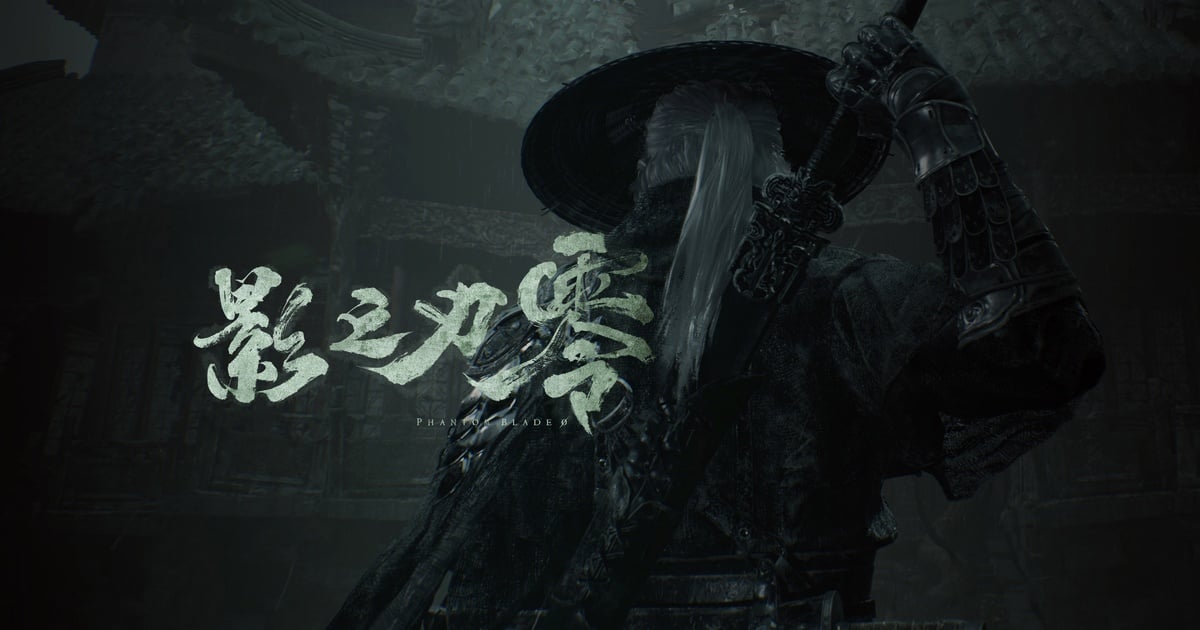
Phantom Blade Zero is now available on PC and PlayStation 5, and choosing between a controller and mouse and keyboard mostly comes down to what a player already knows. Steam recommends a gamepad, making a controller the safest starting point; PC players accustomed to mouse and keyboard may still prefer their usual setup. The official recommendation is a useful first step, not proof that there is only one valid way to play.
What Steam’s recommendation tells players
The official store page says the developers recommend playing with a controller and lists full gamepad support. That is the clearest piece of information for anyone deciding how to begin. It points toward a controller as the default, but it does not compare performance or claim that mouse and keyboard are unusable.
“The developers recommend playing this game with a controller.”
The distinction matters because a store recommendation is not a controlled comparison. It tells players which input the studio favors, but does not measure reaction speed, comfort or precision for every person. Platform matters too: on PS5, the controller is the standard input; on PC, players can use the device that best fits their habits.
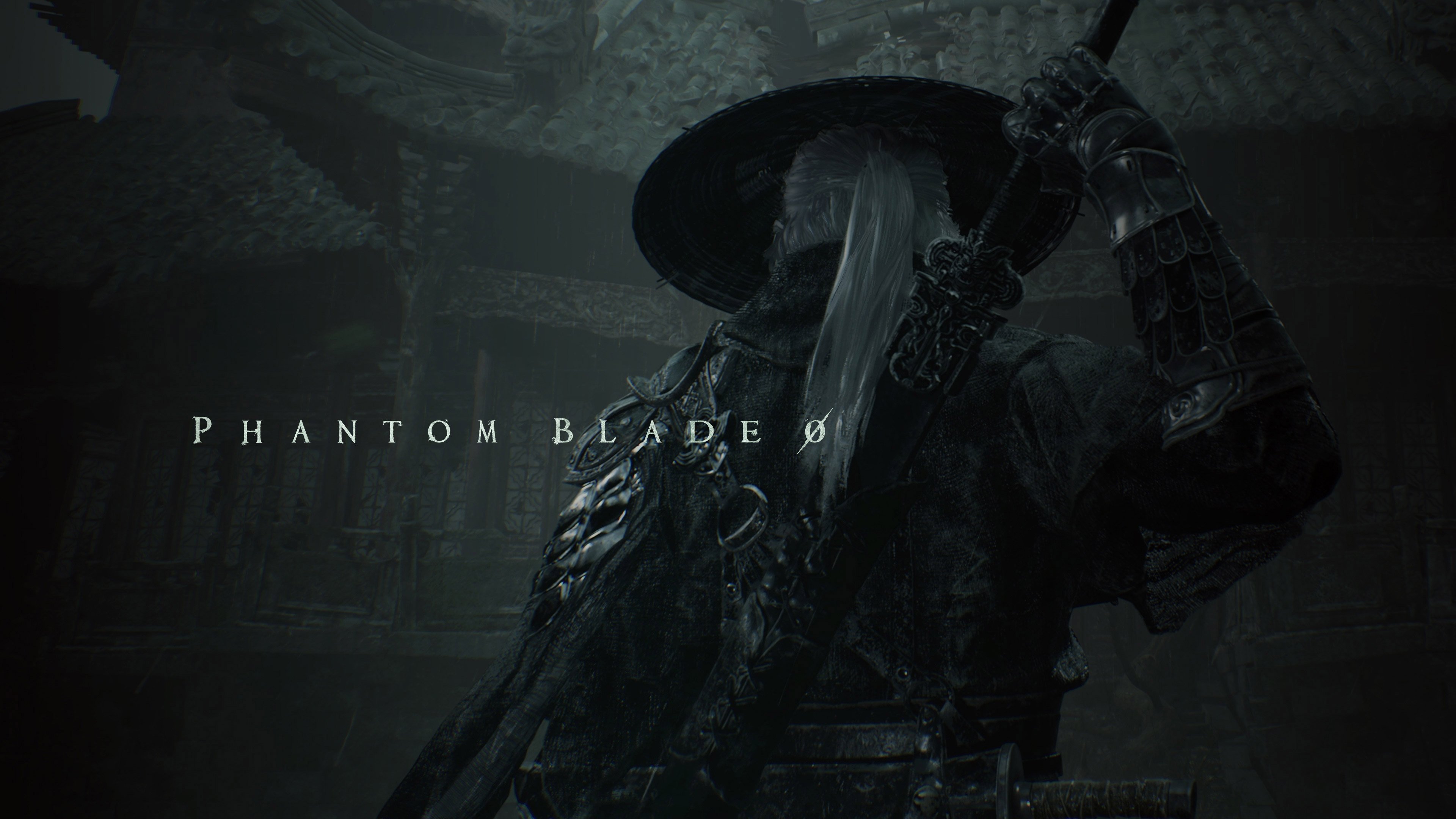
Phantom Blade Zero’s Steam page shows the gamepad recommendation. The official S-GAME website confirms the PC and PS5 release and describes the game as an action wuxia experience. Neither fact makes a controller a mandatory purchase.
Why a controller can feel more natural
A controller brings movement, camera and actions together in a compact layout. The left stick allows gradual changes in direction and movement, while buttons and triggers remain close to the fingers. In a third-person action game, that arrangement can make it easier to switch between moving, dodging and attacking—particularly for players who already use a gamepad for the genre.
Posture can be another factor. During a longer session away from a desk, a controller may feel familiar and easy to hold. That does not make it universally more ergonomic: device size, button placement, trigger resistance and individual comfort all vary. Anyone experiencing discomfort should adjust their grip, take breaks and use the input that does not make the problem worse.
Steam lists full support for controllers, including PlayStation and Xbox models. DualSense users on PC should check how the game and Steam recognize their connection; features tied to a specific controller can depend on platform and setup. There is no need to buy a new pad just for this release.
What mouse and keyboard offer on PC
Mouse and keyboard may be the natural choice for players who already use that setup for PC action games. The mouse moves the camera with hand motion, while the keyboard keeps several actions within reach. For someone with that muscle memory, familiarity may be more useful than switching to a controller in the middle of a new game.
Movement is the main trade-off: directional keys generally provide discrete commands, while an analog stick can vary the angle and intensity of movement. A mouse-controlled camera, by contrast, may feel more direct to players accustomed to it. Those are general properties of the devices; the final feel depends on the game’s implementation and the player’s settings.
The Sportskeeda guide also considers both setups and concludes that personal preference matters. The publication notes that parts of its assessment are subjective, so its comments on comfort and camera control should be treated as editorial guidance rather than a performance test. The most reliable way to decide is to try the game with the input that already feels familiar and see whether the commands respond well for you.
A quick comparison for choosing
| Configuração | Vantagem principal | Faz mais sentido para |
|---|---|---|
| Controller | Analog movement and grouped actions | Players who prefer gamepads in third-person action games |
| Mouse and keyboard | Mouse camera movement and familiar PC keys | Players already comfortable with that setup |
Use the table as a shortcut, not a verdict on which device is better. If you switch between input types often, start with Steam’s recommendation and change only if something gets in the way. If you already have mouse-and-keyboard muscle memory, there is no reason to abandon it before trying the game. In a single-player campaign, comfort and consistency usually matter more than winning an online debate about peripherals.
Pay attention to the camera during fights with several enemies and notice whether your hands can react without tension. If the controller demands uncomfortable motions, or the mouse feels difficult to coordinate with keyboard actions, the other setup may work better. Steam’s recommendation does not replace that personal test.
How to test your setup without overthinking it
Pick one input method for the opening encounters and give your coordination time to settle. Switching devices after every attempt can interrupt muscle memory. Then check three things: whether movement follows the direction you intend, whether the camera remains easy to manage, and whether frequently used actions are within reach without an awkward grip.
On PC, review the controls menu and the input options available in your installed version before changing settings. Options can change with updates. Avoid copying a key map from another version without checking that it matches your game. If you connect a controller after launching, confirm that the game recognizes the right buttons before moving on.
For players without a preference, our editorial recommendation is to begin with a gamepad, in line with Steam’s guidance, and switch to mouse and keyboard if that feels more natural. Players already experienced with PC action games can reverse that order. The goal is not to prove one peripheral wins, but to find a consistent set of commands for the game’s fights.
If possible, compare both setups in sections with a similar pace, without changing many options at once. That makes it easier to separate initial unfamiliarity from a persistent issue with camera control, button reach or posture. Notice whether the setup still feels comfortable after a few minutes; a first impression may reflect only the time needed to adjust.
There is another useful point for anyone worried about choosing “wrong”: Steam classifies Phantom Blade Zero as a single-player game. Input choice does not decide an online contest or depend on ping; it mainly affects comfort and how you handle the camera and actions. If a layout demands constant attention to the buttons, there is less room to read enemy movement. Pick the setup that makes commands feel most natural to you.
The game is out on PC and PS5
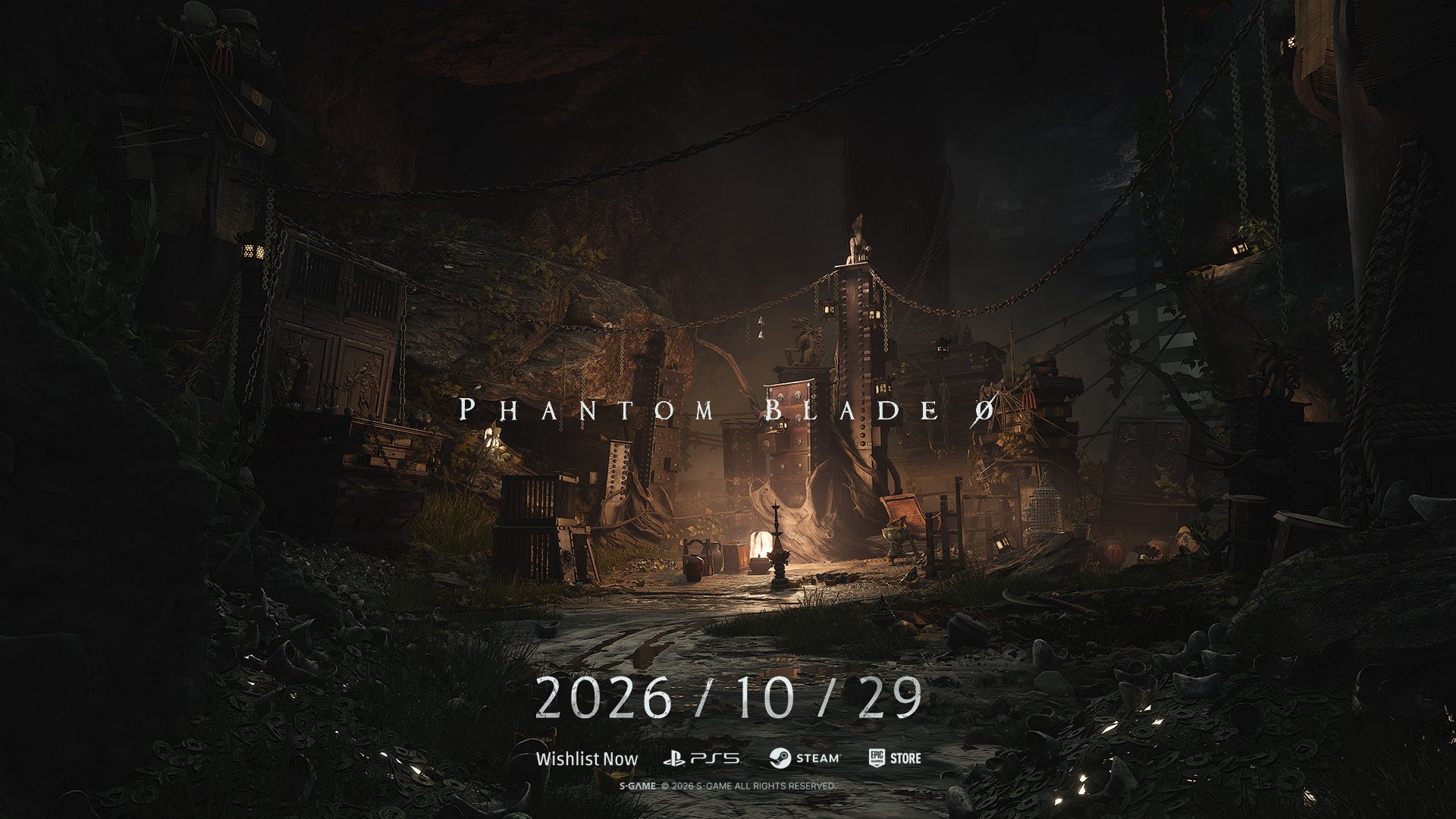
S-GAME lists Oct. 29, 2026, as the global launch date for Phantom Blade Zero, and its official website now marks the game as available. PlayStation’s support page lists Oct. 28 for PC and PS5, a difference consistent with regional timing and time zones. Check your local storefront for regional availability, price and edition details before buying.
For more releases and guides, browse O Santuário Geek’s games section and read our earlier context on the platforms announced for Phantom Blade Zero. In short, a controller is the official recommendation and a sensible way to try the action; mouse and keyboard remain a coherent option for PC players who prefer that setup.