How to play classic Xbox games on PC with mouse and keyboard
Published on · Updated on
Twenty-five original Xbox games now run on Windows 11 through the Xbox app. Check requirements, account, prices and how to use mouse and keyboard.
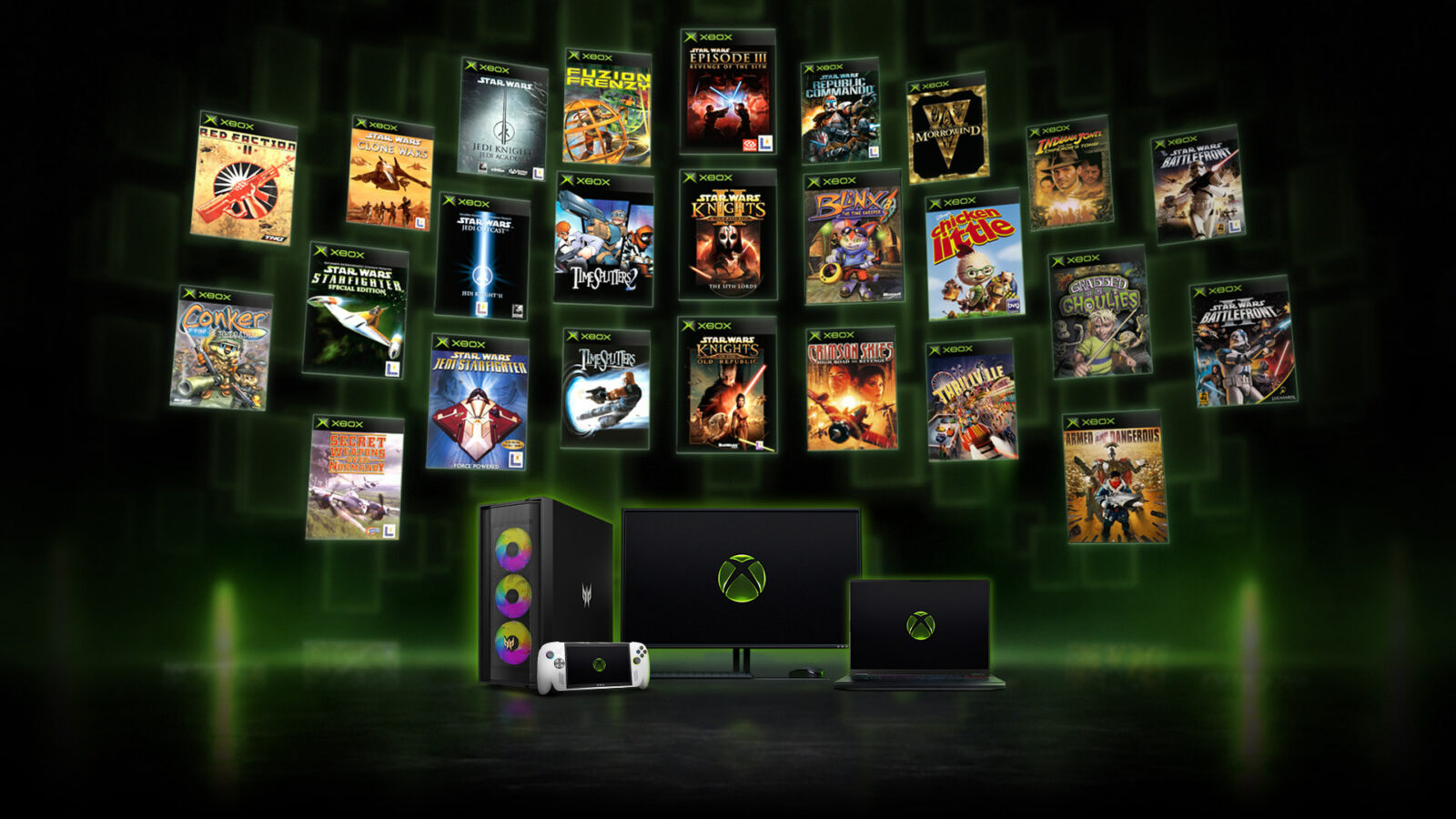
Microsoft released 21 original Xbox games for PC on November 12, bringing the Xbox Backward Compatibility on PC library to 25 titles — and every one of them now supports mouse and keyboard. To play, you need Windows 11, a Microsoft account, the Xbox app installed and a license for the game (either a purchase or an active Game Pass subscription). In Brazil, three of the 21 additions are not available.
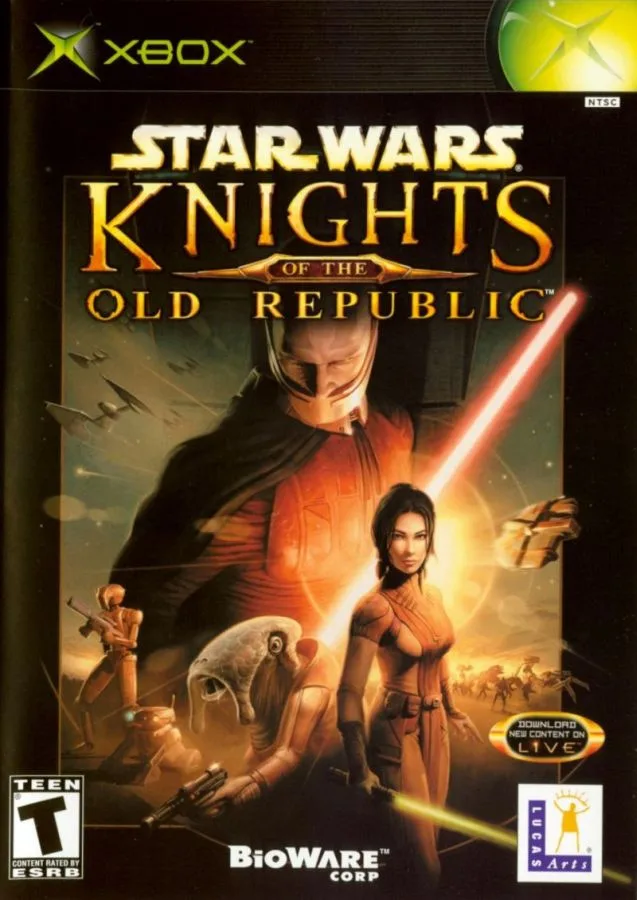
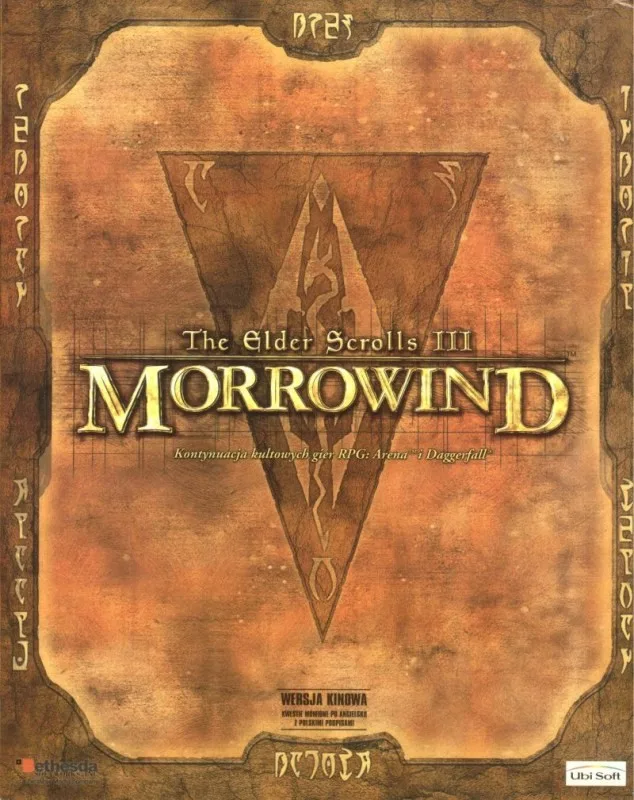
The announcement was made by Jason Ronald, vice president of Next Generation at Xbox, on Xbox Wire, one day after a leak had already revealed part of the list. The batch includes cult RPGs such as The Elder Scrolls III: Morrowind and Star Wars: Knights of the Old Republic, shooters like TimeSplitters 2 and Star Wars: Battlefront II, plus curiosities such as Thrillville and Disney's Chicken Little.
“Today, 21 more original XBOX games are coming to PC, bringing the XBOX Backward Compatibility on PC library to 25 games as we celebrate 25 years of XBOX.”
— Jason Ronald, vice president of Next Generation at Xbox, on Xbox Wire
What changed on November 12
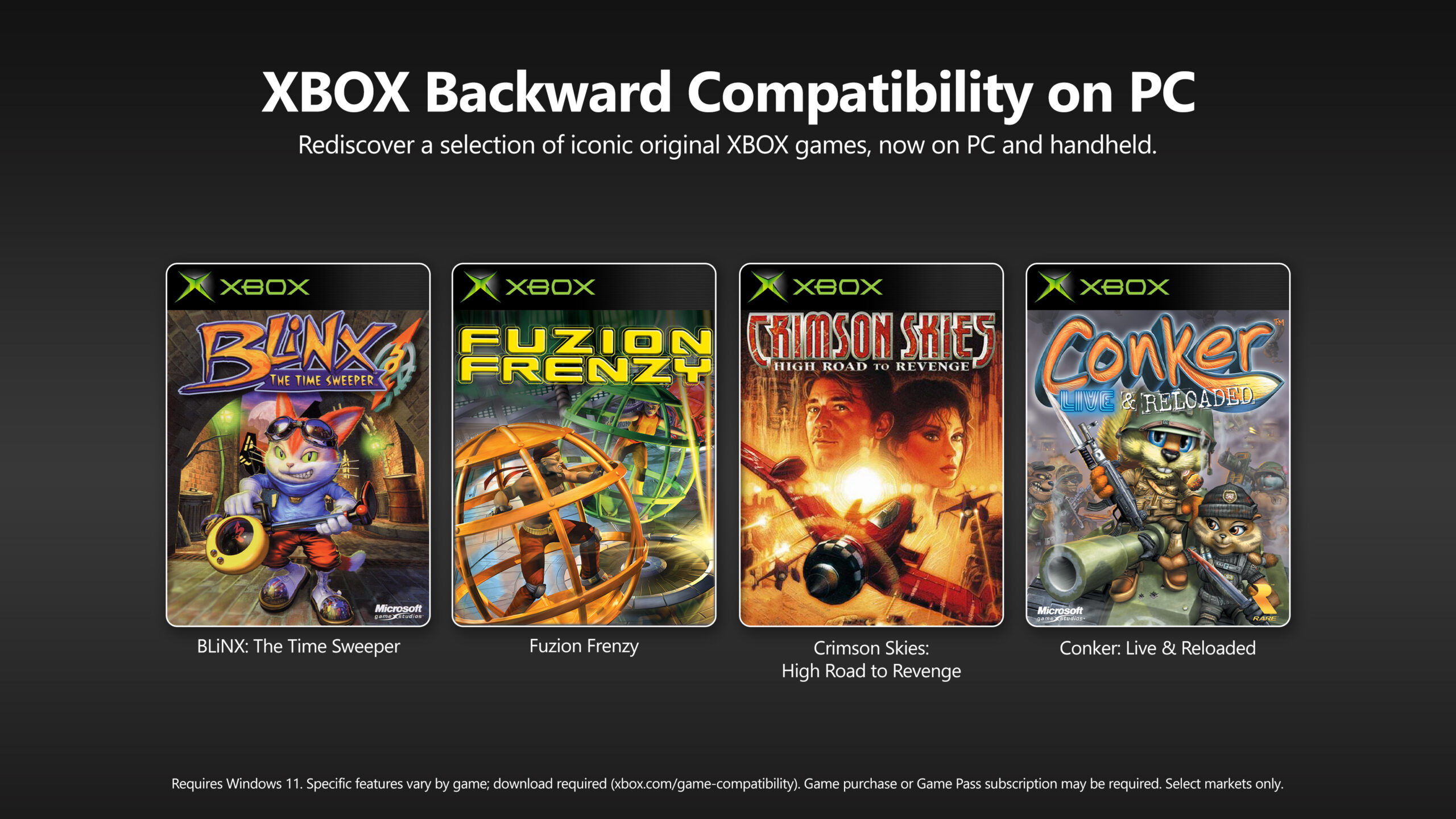
The backward compatibility program on PC began in July 2026 as an early release with only four games: BLiNX: The Time Sweeper, Conker: Live and Reloaded, Crimson Skies: High Road to Revenge and Fuzion Frenzy. The new wave adds 21 titles and takes the catalog to 25 — a symbolic number for Xbox's 25th anniversary, marked on November 15.
Beyond expanding the list, Microsoft says it has improved performance and stability for the four games that were already available. The most relevant change for people who play on a computer, however, is mouse and keyboard support across the entire catalog. Before, the titles only responded to a controller.
The company also promises to keep bringing original Xbox games to PC. There is no date, closed list or official confirmation about Xbox 360 — so far, all we have are datamining discoveries without a Microsoft announcement.
Requirements: what you need
Not every PC can run the classics. Microsoft requires Windows 11 and that games be downloaded through the Xbox app. There is no native version for Windows 10, Mac or Linux, and the program is available only in select markets.
- Operating system: Windows 11 with the latest updates.
- Account: a Microsoft account, the same one used in the Xbox app and the Microsoft Store.
- App: Xbox for PC, available in the Microsoft Store.
- License: a standalone purchase or a Game Pass subscription that includes the title.
- Storage: the game must be downloaded; file size varies by title.
- Region: the catalog must be available in your country — Brazil has three exceptions.
Minimum and recommended requirements
| Component | Minimum | Recommended |
|---|---|---|
| OS | Windows 11 | Windows 11 |
| CPU | 4 cores and 8 threads (Core i3-10300, Ryzen 3 3100 or Z2 A) | 6 cores and 12 threads (Core i5-10400, Ryzen 5 3600 or Ryzen AI Z2 Extreme) |
| GPU | GeForce GTX 950, Radeon RX 550 or Intel Arc A310 | Radeon RX 6800S, GeForce GTX 1070 Ti or Intel Arc A770 |
| Memory | 8 GB | 16 GB |
| Video memory | 4 GB | 8 GB |
| Drivers | Latest versions | Latest versions |
Specs published by Microsoft in July 2026. Specific features vary by game.
Step by step: how to play on PC
- Update Windows. Open Settings → Windows Update and install pending updates. The program requires Windows 11, and older system versions may not open the app correctly.
- Update your graphics drivers. Download the latest version from Nvidia, AMD or Intel. Microsoft recommends current drivers to avoid startup failures.
- Install the Xbox app. Search for “Xbox” in the Microsoft Store or go to xbox.com/xbox-on-pc. The download is free.
- Sign in with your Microsoft account. Use the same account that bought the game on console or that holds the Game Pass subscription. It carries your license and progress.
- Find the game. Search for the title in the library tab or in the app store. If you already owned the digital license on Xbox One or Series X|S, the game should appear in your library at no extra cost; restart the app if it does not show up.
- Secure the license. Buy the title or confirm it is included in your Game Pass plan. The subscription must be active to play catalog titles.
- Download and install. Choose a drive with free space. The download is mandatory, even for those who already played on console.
- Launch the game and adjust controls. On first run, check the video and control options. That is where you set sensitivity, Y-axis inversion and key bindings.
How to enable mouse and keyboard
Microsoft does not describe a separate switch to “turn on” mouse and keyboard. Support is part of each game's PC version: when you move the mouse or press a key, the title starts responding to the new device. If the screen keeps showing only controller icons, open the game's options menu and look for the controls or input device section.
Mapping is defined per title, not by the Xbox app. That means hotkeys, sensitivity and functions can change from one game to another. It is worth spending a few minutes configuring:
- Mouse sensitivity: essential in shooters such as TimeSplitters 2 and both Battlefront games.
- Y-axis inversion: common in flight and space combat games such as Jedi Starfighter and Starfighter – Special Edition.
- Menu and inventory keys: in RPGs such as Morrowind and Knights of the Old Republic, the keyboard speeds up navigation through character sheets and dialogue.
- Aim and camera: test sensitivity in the open field before facing bosses or tougher sections.
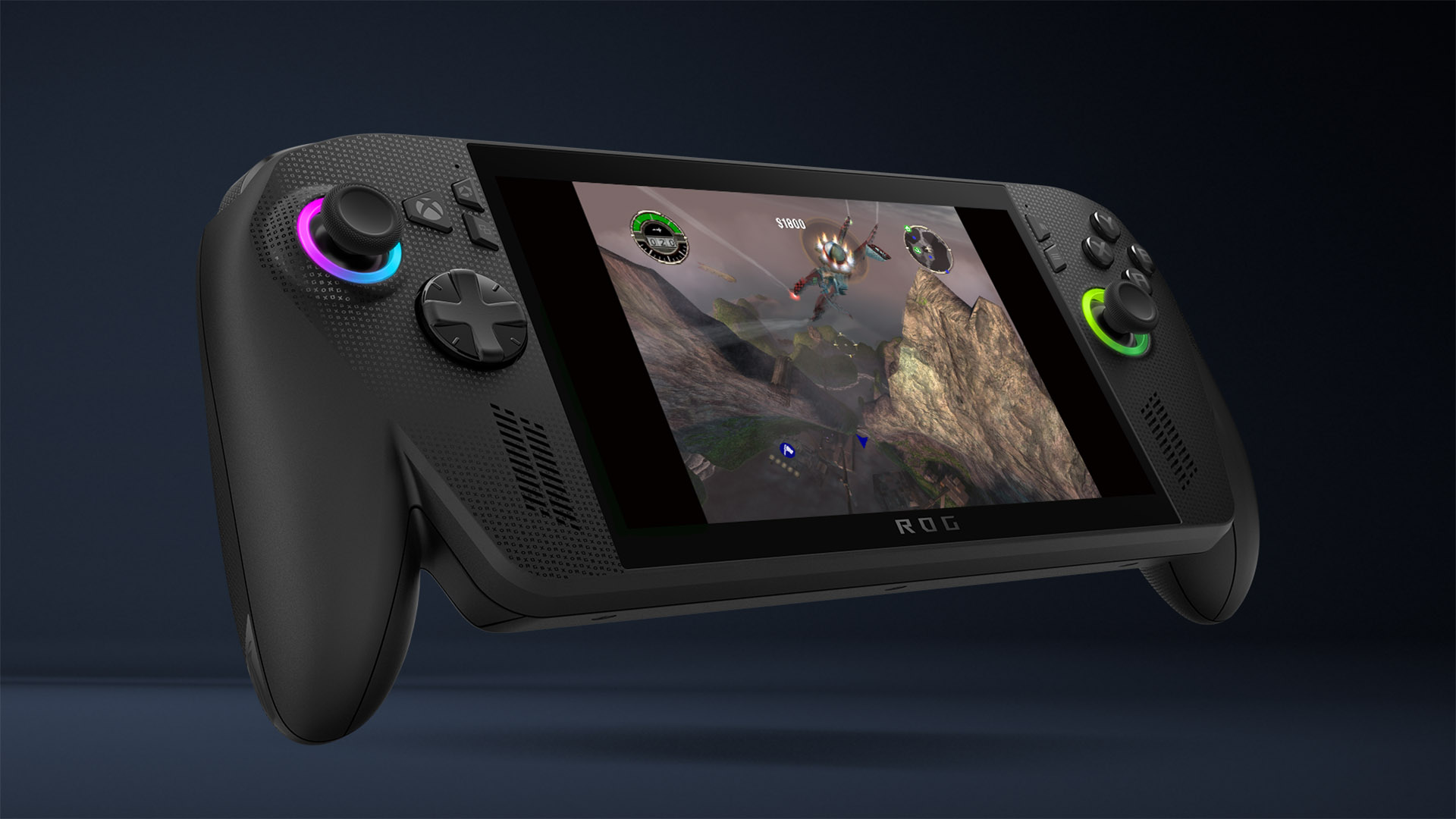
The program also works on Windows 11 handhelds such as the ROG Xbox Ally family. On those devices, the built-in controller remains the main input, but you can connect a mouse and keyboard over USB or Bluetooth when a game calls for precision.
How much it costs and what is included in Game Pass
There are two paths: buy the game or subscribe to Game Pass. Six titles in the catalog are listed as included in the service — Morrowind, Grabbed by the Ghoulies, BLiNX, Conker, Crimson Skies and Fuzion Frenzy — but availability depends on the plan and the country. In Brazil, Grabbed by the Ghoulies is not available.
Anyone who already bought the digital version on console does not pay again: the license follows the account. Physical media owners do not automatically get the same benefit. The prices below are from the Brazilian Microsoft Store on November 18, 2026 and may change without notice.
| Game | Store price | Game Pass |
|---|---|---|
| The Elder Scrolls III: Morrowind | R$ 49.90 | Yes |
| Star Wars: Knights of the Old Republic | R$ 49.00 | No |
| TimeSplitters 2 | R$ 36.95 | No |
For those who just want a nostalgia hit, Game Pass may cost less than buying several titles separately. For those who plan to replay for years, buying guarantees access even if the subscription is canceled. It is also worth checking the games catalog for other Xbox classics available on the service.
The 21 new games — and the three missing in Brazil
The official list has 11 Star Wars games, two TimeSplitters titles, one Bethesda RPG and several games from studios that defined the early 2000s. According to Xbox Wire's Brazilian edition, three are not available in the Brazilian market: Armed and Dangerous, Grabbed by the Ghoulies and Indiana Jones and the Emperor's Tomb.
| Game added on Nov 12 | Available in Brazil? |
|---|---|
| Armed and Dangerous | No |
| Disney's Chicken Little | Yes |
| The Elder Scrolls III: Morrowind | Yes |
| Grabbed by the Ghoulies | No |
| Indiana Jones and the Emperor's Tomb | No |
| Red Faction II | Yes |
| Secret Weapons Over Normandy | Yes |
| Star Wars Battlefront | Yes |
| Star Wars Battlefront II | Yes |
| Star Wars Episode III: Revenge of the Sith | Yes |
| Star Wars Jedi Knight: Jedi Academy | Yes |
| Star Wars Jedi Knight II: Jedi Outcast | Yes |
| Star Wars: Jedi Starfighter | Yes |
| Star Wars: Knights of the Old Republic | Yes |
| Star Wars: Knights of the Old Republic II – The Sith Lords | Yes |
| Star Wars: Republic Commando | Yes |
| Star Wars: Starfighter – Special Edition | Yes |
| Star Wars: The Clone Wars | Yes |
| Thrillville | Yes |
| TimeSplitters 2 | Yes |
| TimeSplitters: Future Perfect | Yes |
The four games from the first wave remain in the catalog and now support mouse and keyboard. If your interest is the Bethesda RPG, see the The Elder Scrolls III: Morrowind page; for the BioWare RPG, the Star Wars: Knights of the Old Republic page has technical details and game information.
Achievements arrive for the first time
Another novelty is achievement support in four original Xbox games: Star Wars: Knights of the Old Republic, Star Wars: Knights of the Old Republic II – The Sith Lords, BLiNX: The Time Sweeper and Conker: Live and Reloaded. It is the first time these titles receive achievements.
According to Microsoft, achievements also apply on Xbox One and Xbox Series X|S consoles, as long as the system has the latest update. In some cases, they may unlock based on progress you have already made. The company says it plans to bring achievements to more original Xbox games over time.
Is it worth it? What to expect from emulation
These are not remasters. Microsoft preserves the original design and adds PC features such as resolution upscaling up to 4x, VSync, fullscreen and windowed modes, anisotropic filtering and enhanced anti-aliasing. The company also says it has improved performance and stability since the initial release.
For those who never played Morrowind or KOTOR, the appeal is experiencing classics with a keyboard and mouse, without relying on alternative emulators. For those who already played, the draw is convenience: buy once, download through the Xbox app and play on a PC or a compatible handheld. The limitation is the same as any backward compatibility program: features vary by game and the experience is not identical to a native port.
It is worth remembering that a 25-game library is small next to the original Xbox catalog, which had hundreds of titles. Microsoft says it will expand the list but has given no deadline or names. Until then, the program is a gateway — not a complete museum.
What comes next
The announcement is part of Xbox's 25th anniversary celebrations, which also included a game giveaway for people who buy a new Windows PC in the United States. If you want to understand that other promotion, see how to claim the 25 free games on PC — they are different initiatives with their own rules.
To follow the official list and check which titles are available in your region, visit the Xbox backward compatible games page. The recommendation is to check availability in the Brazilian Microsoft Store before buying, especially for the three titles marked as unavailable in the country.
With mouse and keyboard, 25 classics and achievements for the first time, the program finally begins to answer an old question from PC players: why were original Xbox games stuck on console for so long? The answer now depends on Windows 11, a Microsoft account and a license — and on checking, before anything else, whether the game is available in Brazil.
Entities in this article
Suggested and related articles
Xbox at 25: how to claim 25 free games on PC
Which classic Xbox games joined Game Pass Essential?
Xbox Tests Free Ad-Supported Game Streaming; Here's How It Works
Stranger Than Heaven: release date and platforms
Astro Bot on PC: what the unofficial port already does