How to play GTA 6 via streaming on the PlayStation Portal
Published on · Updated on
Guide covers Remote Play with a PS5 and cloud streaming on the Portal with PS Plus Premium: what it takes, what fails and why Brazil is left out of it.
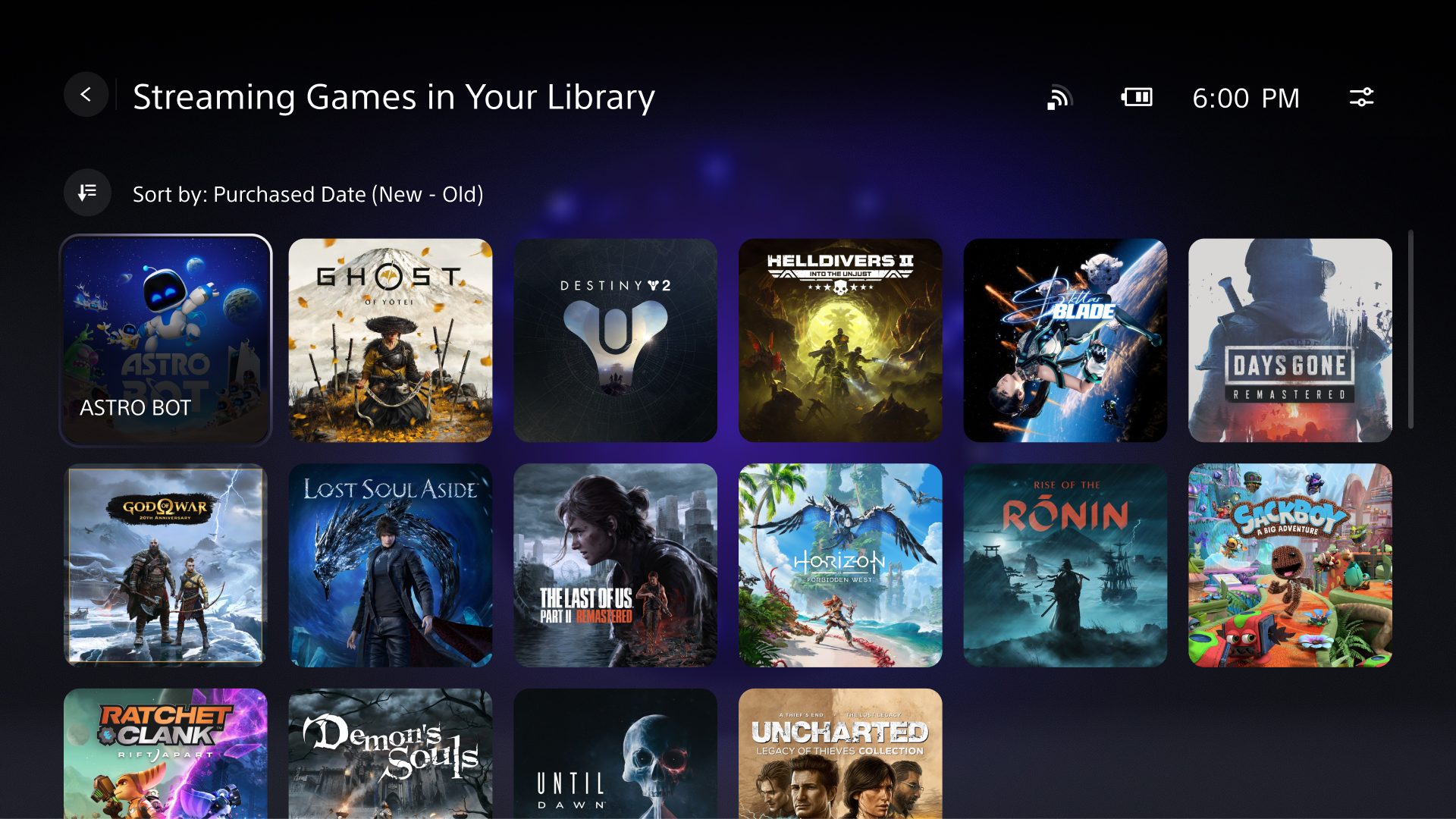
Grand Theft Auto VI arrived on November 19, 2026, and the following week Sony enabled streaming of the game to PS5 and PlayStation Portal. Since November 24, the game's PlayStation Store page states that the feature requires a PlayStation Plus Premium subscription. On the handheld there are two routes: Remote Play, which streams the game from your own PS5 over the network, and cloud streaming, which runs the game on Sony's servers with no console involved. Both require a digitally purchased copy, because GTA 6 is not part of the PS Plus catalog. And there is a decisive detail for Brazilian readers: cloud streaming on the Portal is not available in Brazil yet.
What Sony enabled on November 24
The change showed up discreetly, in a single line of the product page. According to reports from GamingBolt and God is a Geek, published on November 24 and 25, the store page began showing the notice below, which also appears on other catalog titles:
“PS5 and PS Portal cloud streaming supported only with Premium subscription.”
The line answers the most common question: you do not need to download the game. Sony itself notes, on the official cloud streaming page, that downloads for major releases "often exceed 100GB" — on the Portal, that problem does not exist.
The scale of the launch explains the move. On the PlayStation.Blog, Sony reported 39 million unique players on PS5 and 683 million hours logged between November 19 and 22 — a launch the company called the biggest in PlayStation history.
Route 1: with a PS5, Remote Play does the job
This is the option for those who already own the console. The Portal does not run the game: it receives video from the PS5 over the network and sends inputs back. Sony recommends a wired connection for the console and 5 GHz Wi-Fi for the handheld.
What you need
- A PS5 with GTA 6 installed (digital copy or disc inserted), powered on or in rest mode;
- the same PlayStation account on both devices;
- Settings > System > Remote Play > Enable Remote Play turned on;
- a connection of at least 15 Mbps, according to the Remote Play support page for the Portal.
Step by step
- To wake the console remotely, open Settings > System > Power Saving > Features Available in Rest Mode and enable Stay Connected to the Internet and Enable Turning on PS5 from Network;
- turn on the Portal, tap the PS5 icon on the home screen and wait for the connection;
- in game, use the quick menu (PS button) to adjust volume and trigger intensity;
- to finish, open the quick menu and select Disconnect.

Route 2: without a PS5, cloud streaming
Here the game runs on a Sony server and the Portal only displays the image — the handheld becomes the platform on its own. In the United States it costs around $250, against $600 or more for a PS5; the saving only exists if streaming works in your region.
What you need
- a digital copy of GTA 6 bought on the PlayStation Store with the same account used on the Portal;
- an active PlayStation Plus Premium subscription;
- an adult account — the feature is not available on child accounts;
- 5 Mbps to start a session, 7 Mbps for 720p and 13 Mbps for 1080p, according to the cloud streaming support page for the Portal.
Step by step on the Portal
- Turn on the handheld and select the Cloud Streaming tab in the top-left of the home screen;
- pick the game from Your Library, Streaming Games in PlayStation Plus or Cloud Streaming with PlayStation Plus Premium;
- tap Stream and wait for the session to connect;
- in the quick menu, set Max Resolution to 1080p or 720p depending on your network; to leave, choose Close Game.
Is GTA 6 in the PS Plus Premium catalog?
No. As of this article, GTA 6 is not part of the Game Catalog or the Classics Catalog. The subscription alone does not unlock the title: it only enables streaming of a game you already bought. The model is "stream what you own", not "play what is included". The catalog changes every month, and Sony has not announced a date to add the game.
What the Portal cannot do in the cloud
PS3 and PS4 games cannot be streamed on the Portal, and neither can broadcasts, Share Screen or Share Play. Party invites through the system UI, voice chat and messages via the interface, friend management, trophies and Game Help are also unavailable. And if you stay idle for a while, the session closes: save your progress.
PlayStation, Xbox and PC: who streams what
| Requirement | Remote Play (with PS5) | Cloud on Portal (no PS5) |
|---|---|---|
| Needs a PS5 | Yes, on or in rest mode | No |
| Subscription | None to stream | PS Plus Premium |
| Game copy | Digital or disc in the console | Digital, on the account |
| Connection | 15 Mbps recommended | 5 Mbps to start; 13 Mbps for 1080p |
| Availability | Wherever there is a PS5 and internet | 31 countries — Brazil is not on the list |
The inevitable comparison is with Xbox, which streams GTA 6 even on Xbox One, as we showed in the Cloud Gaming guide for the 2013 console. Microsoft's model requires buying the game and spending monthly cloud hours; Sony's requires Premium and imposes no time cap, but runs at PS5 quality. On PC there is no cloud route on either service.
And in Brazil? The country list leaves it out
This is the point that changes everything. The official cloud streaming page lists 31 countries — the United States, Canada, Japan and most of Europe, plus South Korea — and Brazil is not among them. The top tier sold here is Deluxe, with the Game and Classics catalogs but without the PS5 cloud streaming that Premium unlocks abroad. In practice, the Cloud Streaming tab does not appear on Portals sold in the country.
Remote Play keeps working: with a PS5 on the same network, the Portal streams GTA 6 normally. Those without a console who want to play over the cloud in Brazil have to look to Microsoft, which runs Xbox Cloud Gaming in the country.
Is it worth it?
It depends on your setup. PS5 owners get immediate mobility through Remote Play, with no extra subscription, but stay tied to a powered console and to their own network quality. Those without a console who live in one of the supported countries play by buying only the handheld and the game — cheaper than a PS5, though the Premium fee adds up every month.
Before deciding, check how the game behaves on the console: our piece on GTA 6 performance on PS5 and PS5 Pro explains why 30 frames per second fluctuate, and the overheating guide helps with long sessions. In the cloud the console never turns on; in Remote Play it works for hours. More GTA stories are gathered in the GTA section.
Suggested and related articles

GTA 6 on Twitch: what the 3.3 million viewers really mean
How to play GTA 6 on Xbox One with Cloud Gaming
Does GTA 6 overheat the PS5? How to keep your console cool
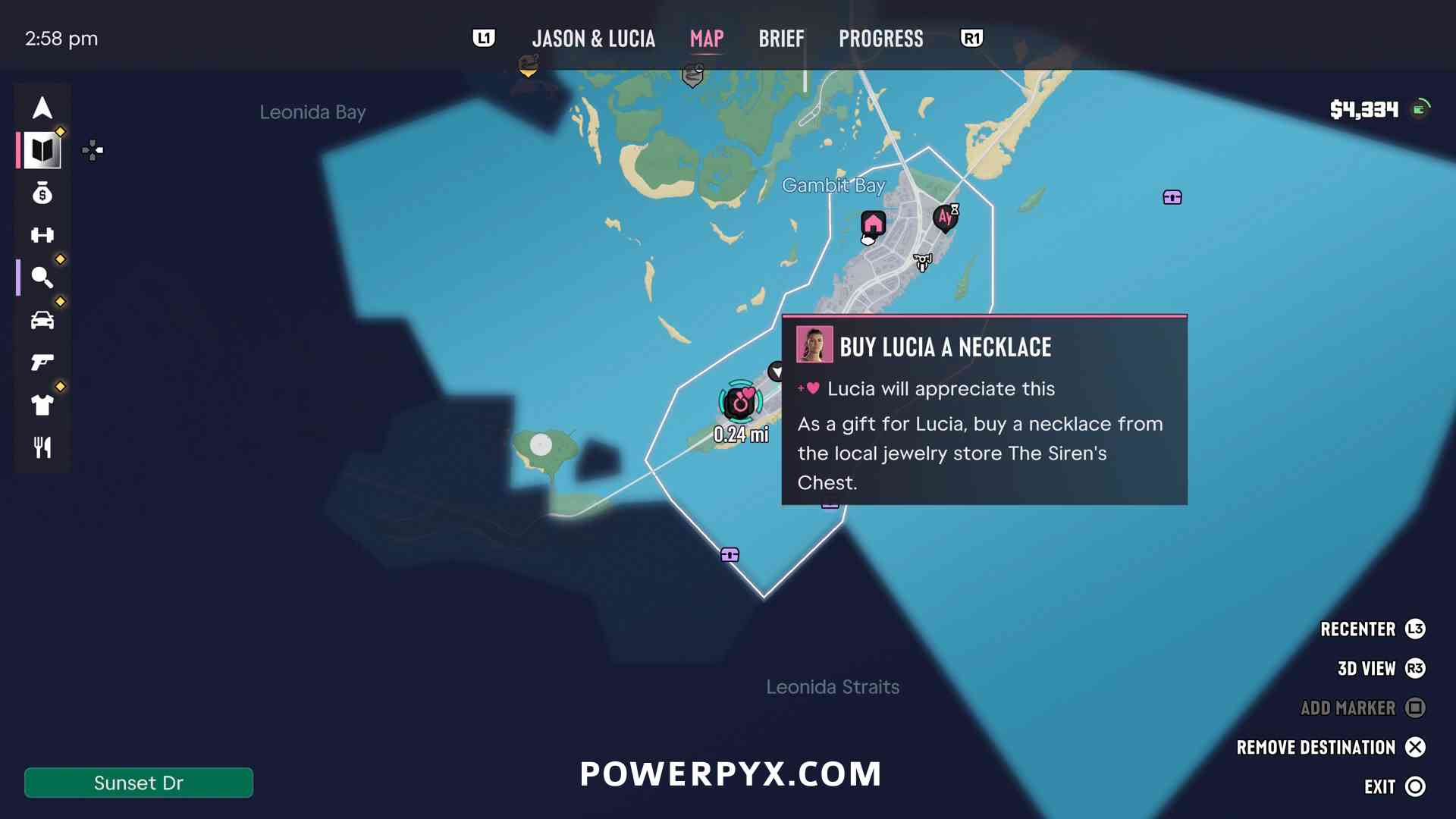
GTA 6: how to buy Lucia's necklace at The Siren's Chest

Who Is Lucia, the Protagonist of GTA 6?