Does GTA 6 overheat the PS5? How to keep your console cool
Published on · Updated on
PS5 shutdown reports tied to GTA 6 have grown since Nov 24; see what was measured, what Sony officially recommends and how to cut the heat in long sessions.
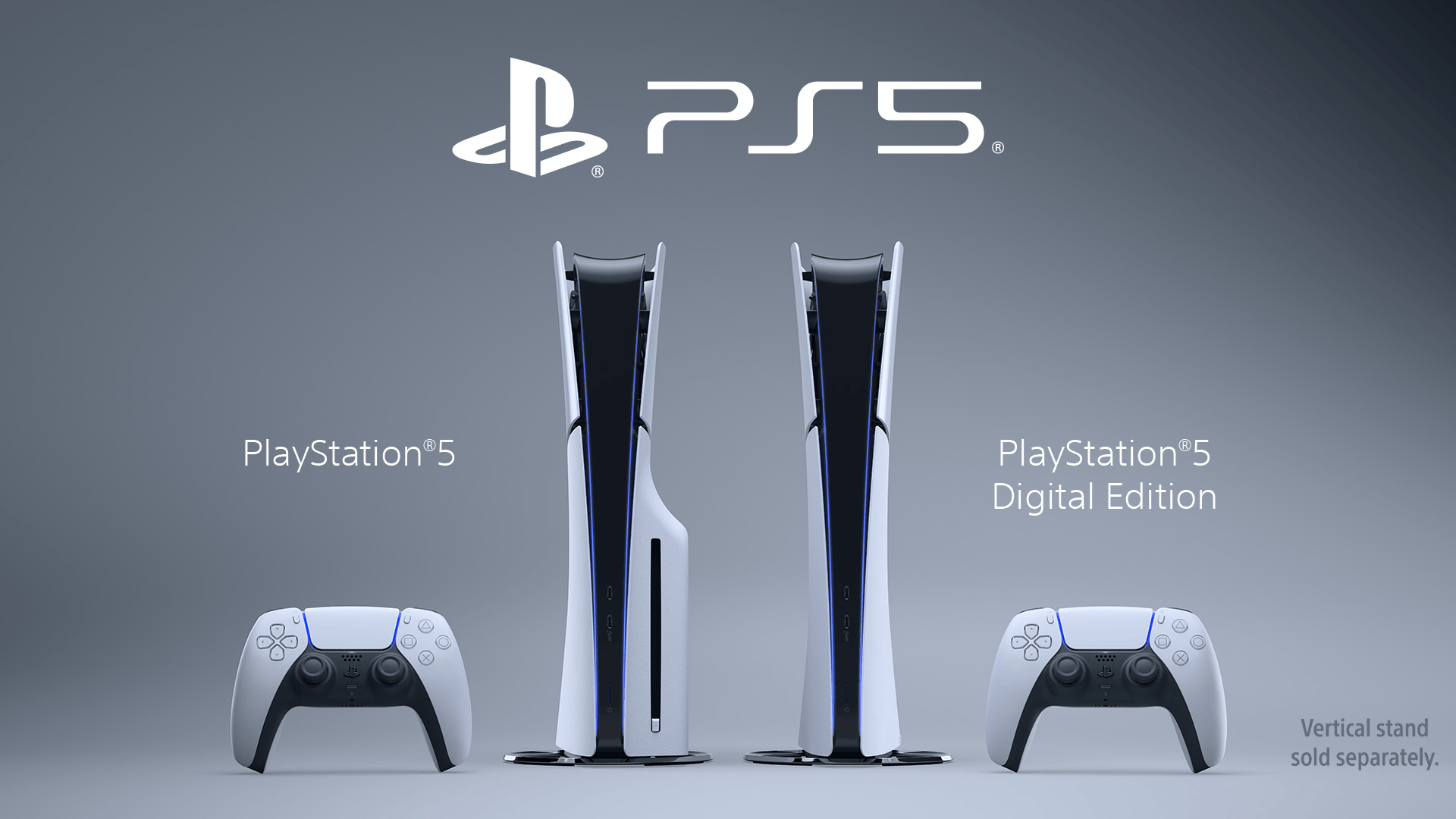
Since November 24, 2026, reports of PlayStation 5 consoles shutting down on their own, freezing with graphical artifacts and, in some cases, refusing to power back on during Grand Theft Auto VI sessions have multiplied across social media. Polish console technician Modyfikator89 called the phenomenon the "PS5 blackout" and published measurements: 220 W of draw while the character simply stood next to a car, 274 W in a stress test and one unit that hit 100.9 °C on the main chip with 15 overheating shutdowns. The reports began a week after the game's November 19 launch and involve PS5, PS5 Pro and, according to repair shops, Xbox Series X|S as well. The likeliest explanation combines hours of sustained high load — the game targets 30 fps with no performance mode — with poor console upkeep.
What was measured — and what is still anecdote
The most detailed diagnosis came from a console that kept shutting down mid-game. With more than 5,600 hours of use, it logged 40 main chip access failures, 7 APU power-circuit failures and 7 SSD controller errors. Each power failure was followed by an SSD error, which suggests a consequence rather than a cause. Another unit reached 100.9 °C on the main chip, with 15 overheating shutdowns.
| Measurement | Value | Context |
|---|---|---|
| In-game draw, character standing next to a car | ≈ 220 W | Modyfikator89's reading, 11/24/2026 |
| Draw right after closing the game | 67 W | Same measurement |
| Draw in a console stress test | 274 W | Separate test, outside the game |
| Main chip temperature on a console with shutdowns | 100.9 °C | Another unit handled by the shop |
| Power supply rating: PS5 / Digital / Pro | 350 W / 340 W / 390 W | Sony specification |
Context matters: the PS5 power supply is rated at 350 W (340 W for the Digital Edition and 390 W for the PS5 Pro), and Sony's own efficiency measurements put average gaming draw between 213 W and 219 W. So 220 W in-game is high but within spec. The numbers show a very heavy game — not proof that the software is destroying hardware. They come from one repair shop, with no independent replication, and there is no public failure statistics.
"THE PS5 BLACKOUT HAS STARTED. I called it back in early August. First came error reports and sudden shutdowns. Now we're seeing graphics artefacts live on stream and reports of consoles dying."
Why GTA 6 runs hotter than most games
GTA 6 has no performance mode: Rockstar locked the target at 30 fps on every console, including the PS5 Pro, and told Kotaku the limit sits with the CPU, not the GPU. That means roughly 33 milliseconds per frame to simulate and render Leonida with traffic, pedestrians, ray-traced reflections and global illumination.
That kills a common assumption: 30 fps does not mean a cool console. It means heavier frames and a GPU running near full tilt for hours. The PS5 was built for that load, but on one condition — air moving through. The console uses liquid metal between the processor and the heatsink, a solution Sony adopted in 2020 precisely to move heat efficiently, and it depends on airflow. Dust, a closed cabinet or a hot room all reduce heat exchange. The repair shop lists clogged cooling, uneven liquid metal spread and degraded power components on older units among the likely causes. We have already broken down the performance gap between models: why 30 fps holds better on PS5 Pro.
Care that actually changes the temperature
Give the console air
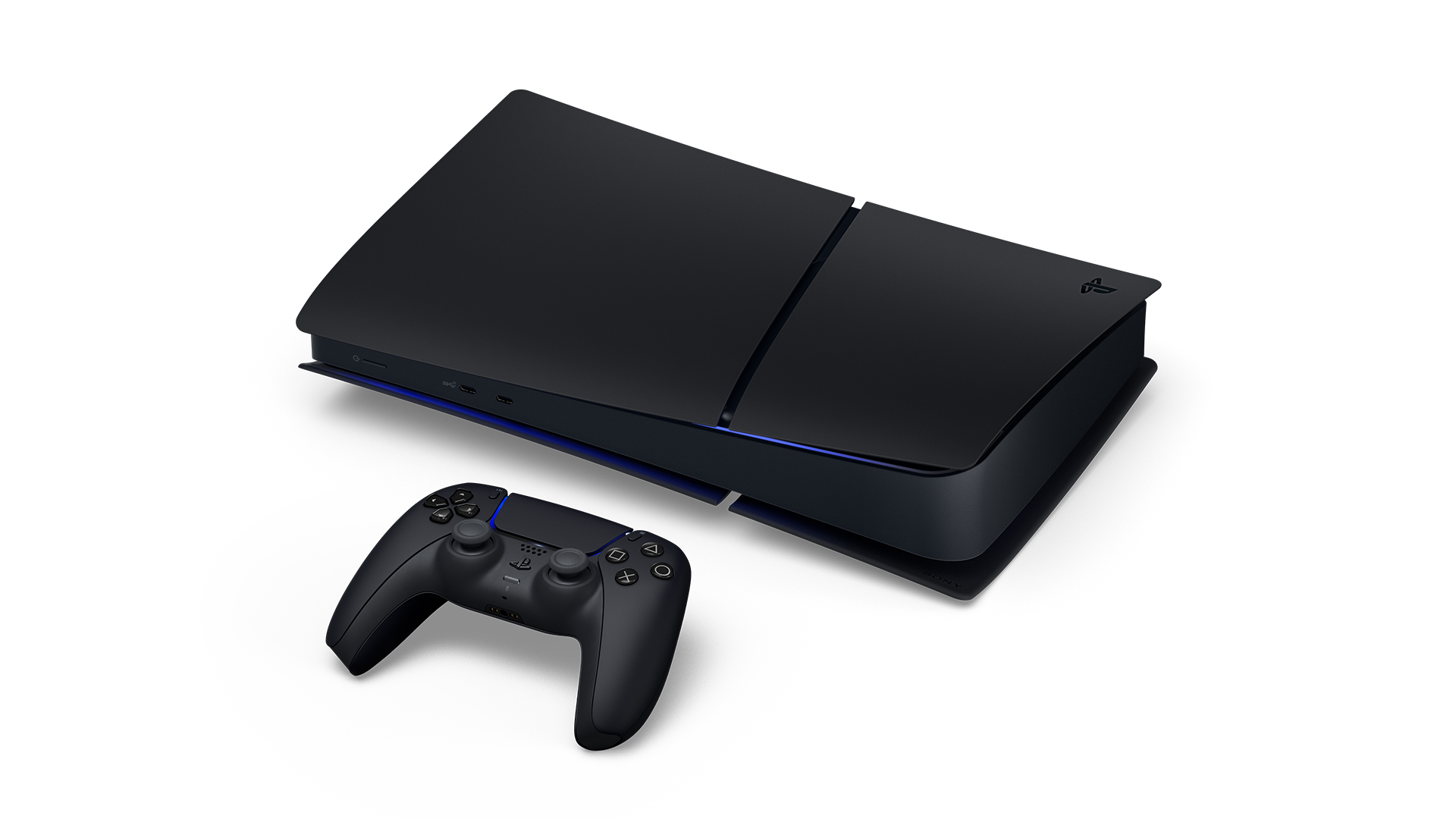
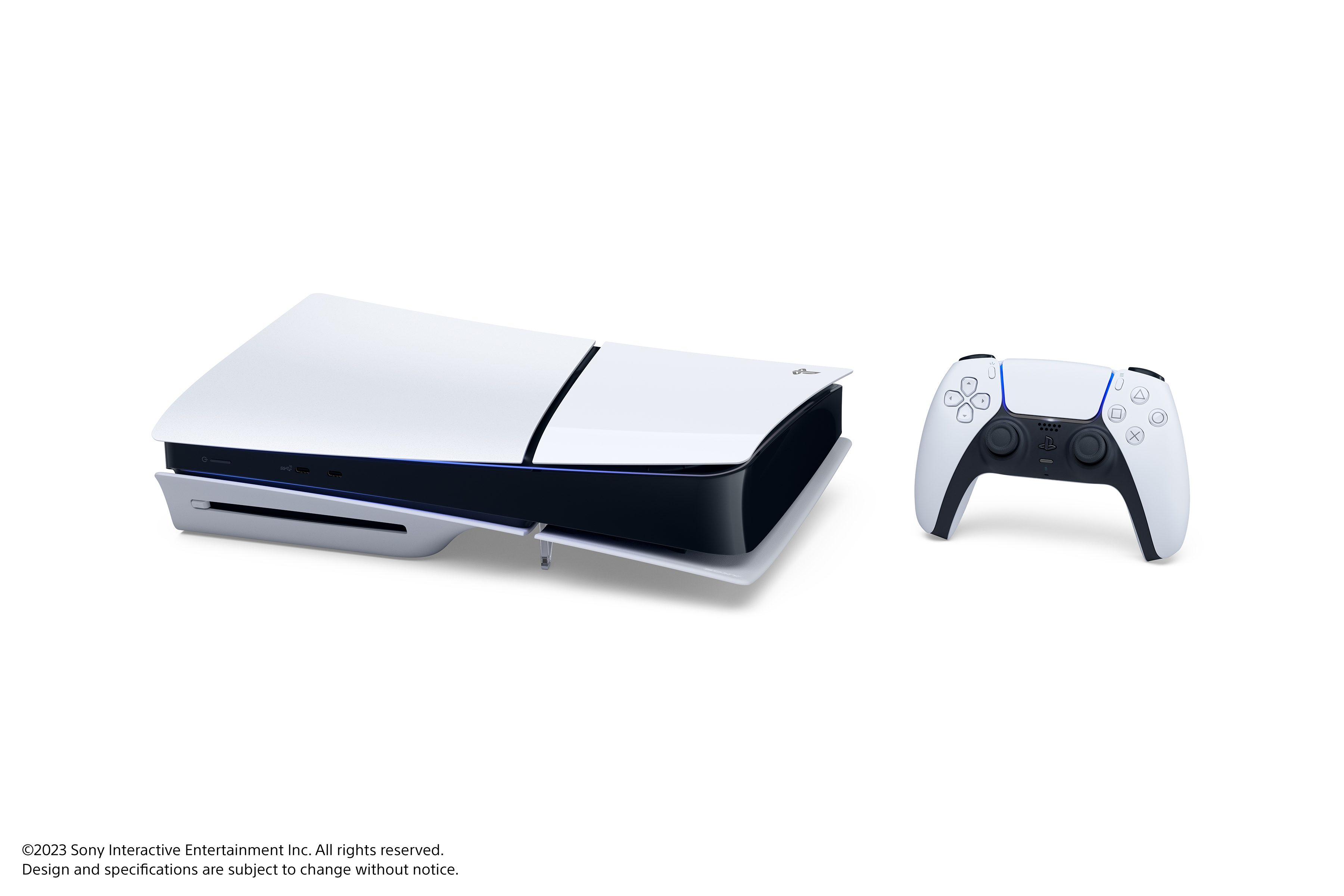
Sony's guidance is a well-ventilated spot with unobstructed vents. In practice, that rules out a PS5 inside a closed glass-door rack, pressed against the wall behind the TV, sitting on carpet or squeezed next to a soundbar. Vertical or horizontal makes no difference: Sony designs and sells both stands, and the idea that standing the console up shortens its life is an old myth.
Dust is what ages a PS5 fastest
In a home with rugs, pets or open windows, the rear grille collects dust within months. Safe cleaning is external: a vacuum on low power, with the console off and unplugged. No hairdryer and no compressed air held close to the exhaust — the jet pushes dust inward and can jam the fan. Opening the console voids the warranty and puts you right next to the liquid metal.
Room temperature matters more than it seems
A console in a 20 °C room sheds heat far more easily than one in a 32 °C room with no air conditioning and afternoon sun. On extreme heat days, prefer shorter sessions or move the room's air around — without blowing straight into the console's intake.
Long sessions: breaks, saves and rest mode
Saving manually before long missions avoids losing progress if the console shuts down; stopping every two or three hours and closing the game gives the system time to breathe; and shutting down instead of leaving the game suspended in rest mode is the safer choice. Resuming a heavy title is not the same as starting it fresh.
Signs the problem is the console, not the game
Three symptoms settle a hardware diagnosis: artifacts that also show up in the system menus and in other games; shutdowns that come faster each session, even with free airflow; and the fan at maximum with a clear performance drop. If the console shuts down after 20 or 30 minutes, the first serious test is an external clean-up and a new spot. The full triage sequence is in our guide to PS5 and Xbox crashes and shutdowns, from the simplest steps to the most invasive.
In Brazil, the Consumer Protection Code guarantees 90 days of legal warranty on top of the manufacturer's contractual warranty — usually 12 months for consoles. Sony runs a PlayStation repair service, and its power indicator page explains each light. One detail: the pulsing red light Sony ties to overheating is a PS4 feature; the PS5 list has no LED color for it, which makes an outright shutdown the main signal.
"Turn off the console and wait until it cools down. After the console cools down, move it to a well-ventilated location. Check to make sure the console vents aren't blocked."
Myths that do not help
- Cooling pads with external fans: they often fight the console's designed airflow and do not meaningfully lower chip temperature.
- Opening the console to swap thermal paste: voids the warranty and touches the liquid metal, which needs specific application.
- Fridge or ice packs: condensation and thermal shock, never.
- A hidden "performance mode": it does not exist; the 30 fps target is Rockstar's technical decision.
What to expect next
As of November 27, neither Sony nor Rockstar had made a public statement about the shutdown reports. Rockstar has shipped stability updates since launch, and some early crashes were software, as we documented in launch-day bugs and FPS drops. No patch, however, clears dust from a clogged grille or makes room inside a closed cabinet.
The balanced read: GTA 6 is the hardest stress test the PS5 has faced, and it is natural that it exposes units already at their limit — 2020 consoles with thousands of hours and no maintenance. If shutdowns happen only in this game, airflow, cleaning and breaks are the answer. If artifacts appear in any game, it is a repair shop case.