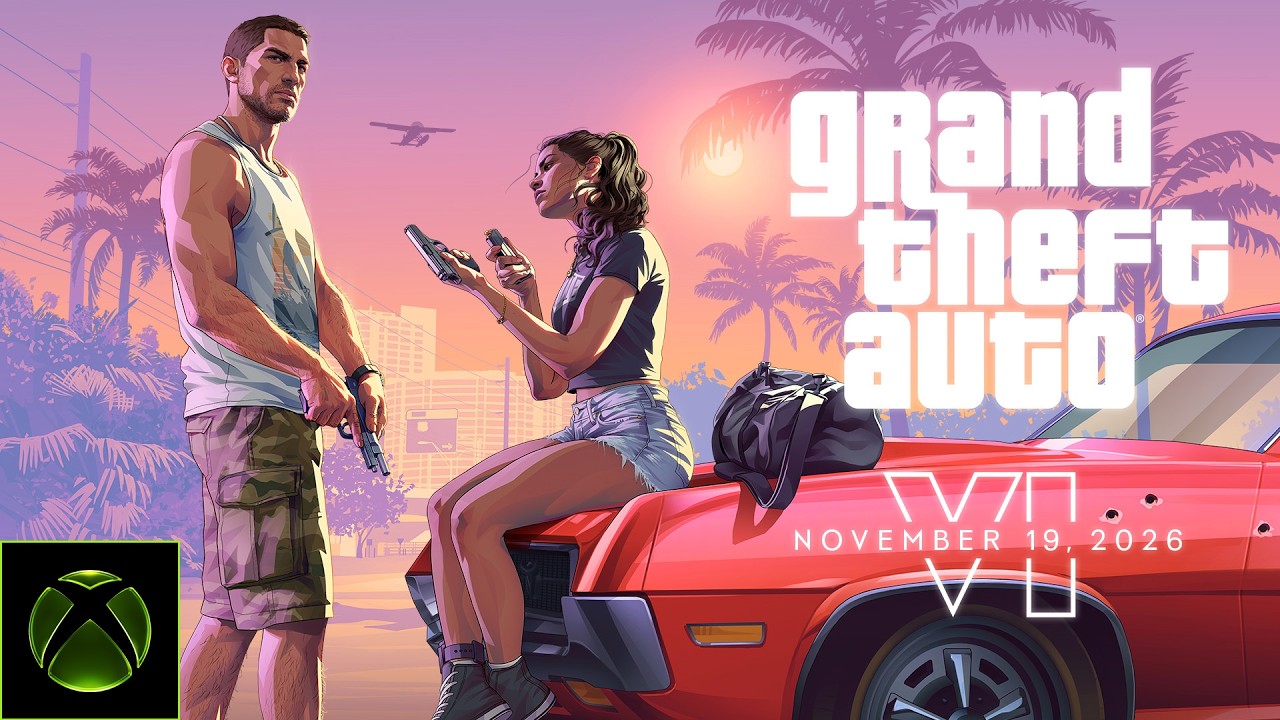
How to play GTA 6 on Xbox One with Cloud Gaming
Published on · Updated on
GTA 6 has no native Xbox One version, but it streams to the 2013 console. See requirements, Game Pass cloud hours and the full step-by-step guide.
GTA 6 arrived on November 19, 2026, only for Xbox Series X|S and PlayStation 5 — there is no native version for the Xbox One, a console launched in 2013. The only entry point for players on Microsoft's previous generation is Xbox Cloud Gaming: the game runs on Xbox servers and is streamed over the internet to the older console, straight from the console's own menu. To do that, you need a digital copy of the game bought on the Xbox Store, cloud hours (included in Game Pass plans or sold in standalone packs) and a stable connection. The path is short — the console finds the game in the store and starts the session through the "Play with Cloud" button —, but the real cost changed in November, when Microsoft capped monthly streaming time.
The short answer: yes, you can play — via streaming
Xbox confirmed the support on November 23, 2026, in an official guide dedicated to the game, which lists the Xbox One among the supported screens.
"Grand Theft Auto VI supports XBOX Cloud Gaming, making it available to play even without a current-gen console. With XBOX Cloud Gaming, you can play by streaming it straight from the cloud to your XBOX One."
The Xbox One does not run the game — it decodes a video feed coming from a server fitted with Xbox Series hardware.
What you need before you start
1. A digital copy of GTA 6
The game is not part of the Game Pass catalog. Xbox states in the guide that "a copy of Grand Theft Auto VI from the XBOX Store is required" — this is the "stream your own game" model, not catalog streaming by subscription. In the US store, the standard edition costs $79.99. The purchase must sit on the same account used on the console.
The official product listing names "Xbox Series X|S" as the only platform — there is no native Xbox One compatibility.
2. Cloud hours: Game Pass or a standalone pack
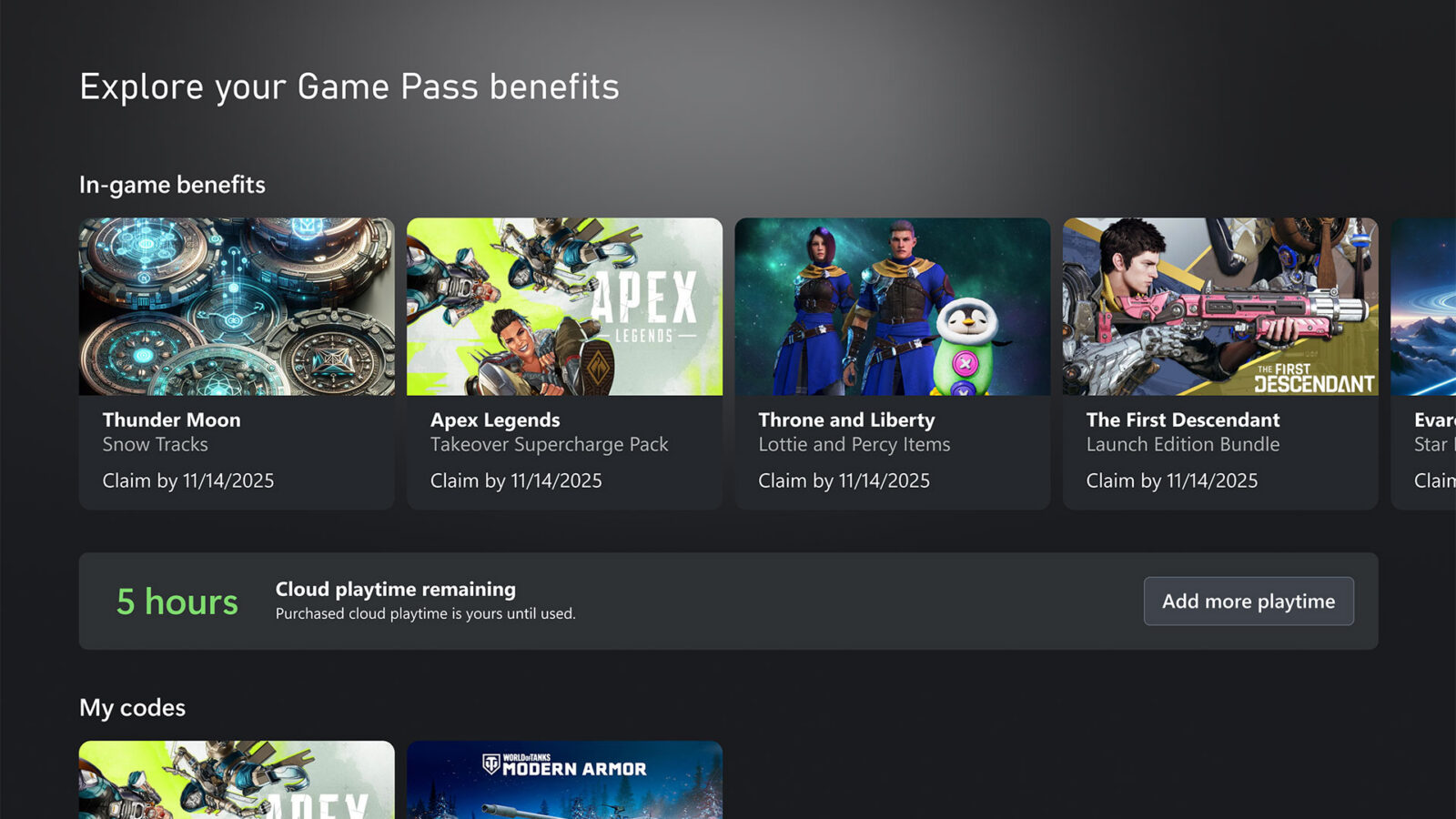
Since November, streaming time is no longer unlimited. Xbox announced on September 3, in an official statement, that every plan would include a monthly hour allowance, and the change took effect alongside the game's debut. Once the allowance runs out, players can buy extra hours on the Xbox Store, subscription or not.
"Cloud gaming can also give XBOX One owners access to eligible games built for XBOX Series X|S without requiring an immediate hardware upgrade."
| Option | Cloud hours/month | US reference |
|---|---|---|
| Game Pass Essential | 5 hours | $9.99/month |
| Game Pass Premium | 10 hours | $14.99/month |
| Game Pass Ultimate | 15 hours | $22.99/month |
| Standalone pack | 10, 25 or 50 hours (no expiry) | $3.99 / 7.99 / 11.99 |
| Free ad-supported tier | Short sessions, with queues | Eligible games |
Prices vary by market; hours bought in packs do not expire. The free ad-supported tier, opened on November 12, uses sessions of around 30 minutes — there is no confirmation that GTA 6 is included in it.
3. Connection and controller
Xbox's advice is blunt: "when possible, connecting a wired Ethernet cable is the best option for gaming quality". Wireless networks drop frames and audio. The service's long-standing baseline is at least 10 Mbps on phones and around 20 Mbps for a big screen, but stability and low latency matter more than the headline speed sold by your carrier. Any controller already paired to the Xbox One will do.
Step by step on the Xbox One
- Turn the console on and make sure the account is the one that bought GTA 6;
- Press the Xbox button to open the guide and search for Grand Theft Auto VI;
- Select "Manage" and then "See in Microsoft Store";
- On the game page, choose "Play With Cloud";
- Wait for the connection — the game opens straight away, with no download.
If the button does not appear, check the license on the account, the plan status and the account region. Restarting the console and signing in again usually fixes it.
Video: watch Digital Foundry's analysis, "Grand Theft Auto 6 On Xbox One: Does The Power Of The Cloud Deliver?", which puts the 2013 console head to head with the cloud version.
How the game runs in the cloud
Xbox confirms a relevant technical detail: when streamed, GTA 6 "uses XBOX Series S graphics settings". Players on the Xbox One get the most modest version of the current generation — lower resolution and reduced effects compared with the Series X, but the same content. According to the tech press, the game runs at 30 frames per second on every console. Streaming adds video compression and network latency, most noticeable in chases with many vehicles on screen. On the plus side, saves live in the cloud: whoever upgrades to a Series X|S picks up from the same point.
Limitations the cloud cannot fix
The first is commercial: the game is not included in the Game Pass catalog, the bundle that grants access to Xbox Cloud Gaming. Subscribing does not unlock GTA 6 — you must buy the license. The second is time: with 5, 10 or 15 hours, streaming becomes a metered resource. The third is internet dependence: there is no offline mode, and peak-hour queues do not exist in local play.
Finally, Remote Play does not solve the Xbox One problem: it streams the game from a Series X|S console to a phone, PC or handheld, and requires that current-gen console to exist and stay on.
Alternatives to the Xbox One
Players who do not want to depend on cloud hours have three routes. The first is buying an Xbox Series S and playing locally, with no allowance and no latency — check which of the two models is the better deal for GTA 6. The second is streaming on other screens, with the same account and license. The third is waiting for a sale, something Xbox has not signaled so far.
For newcomers, the GTA 6 launch guide covers installation, the mandatory update and first steps. And anyone sharing a console should read the rules for playing with a single copy — a detail that changes when the game is digital and streamed.
Is it worth playing GTA 6 on Xbox One?
Yes, as long as you accept the terms. Xbox Cloud Gaming delivers a current-gen game on a 2013 console, with Series S graphics and synced saves. The price of convenience is the mandatory purchase, the monthly hour allowance and the need for a good connection. For players outside the US, the math weighs more: the game costs the equivalent of $79.99, and cloud hours add to that over the months.
Still, for anyone with an Xbox One already sitting in the living room and no plans to buy new hardware, it is the difference between playing GTA 6 this holiday season or sitting out the conversation. The practical advice: start with the entry plan, measure your real consumption, and only then commit to a bigger bundle — or buy a standalone pack, which does not expire and needs no subscription.
What does not exist, in any scenario, is a version of GTA 6 built for the Xbox One: the cloud became the bridge between generations, and that bridge has a toll, a quota and a signal bar.
Suggested and related articles
GTA 6: how to buy Lucia's necklace at The Siren's Chest
Who Is Lucia, the Protagonist of GTA 6?
GTA 6: how to share one copy on PS5 and Xbox
GTA 6 on PS5: how the New Zealand account trick worked
GTA 6: how to replay missions and which saves to keep