GTA 6: how to share one copy on PS5 and Xbox
Published on · Updated on
One copy of GTA 6 can cover two players on separate consoles, but it needs the owner account, a marked console and a connection. See the steps and limits.
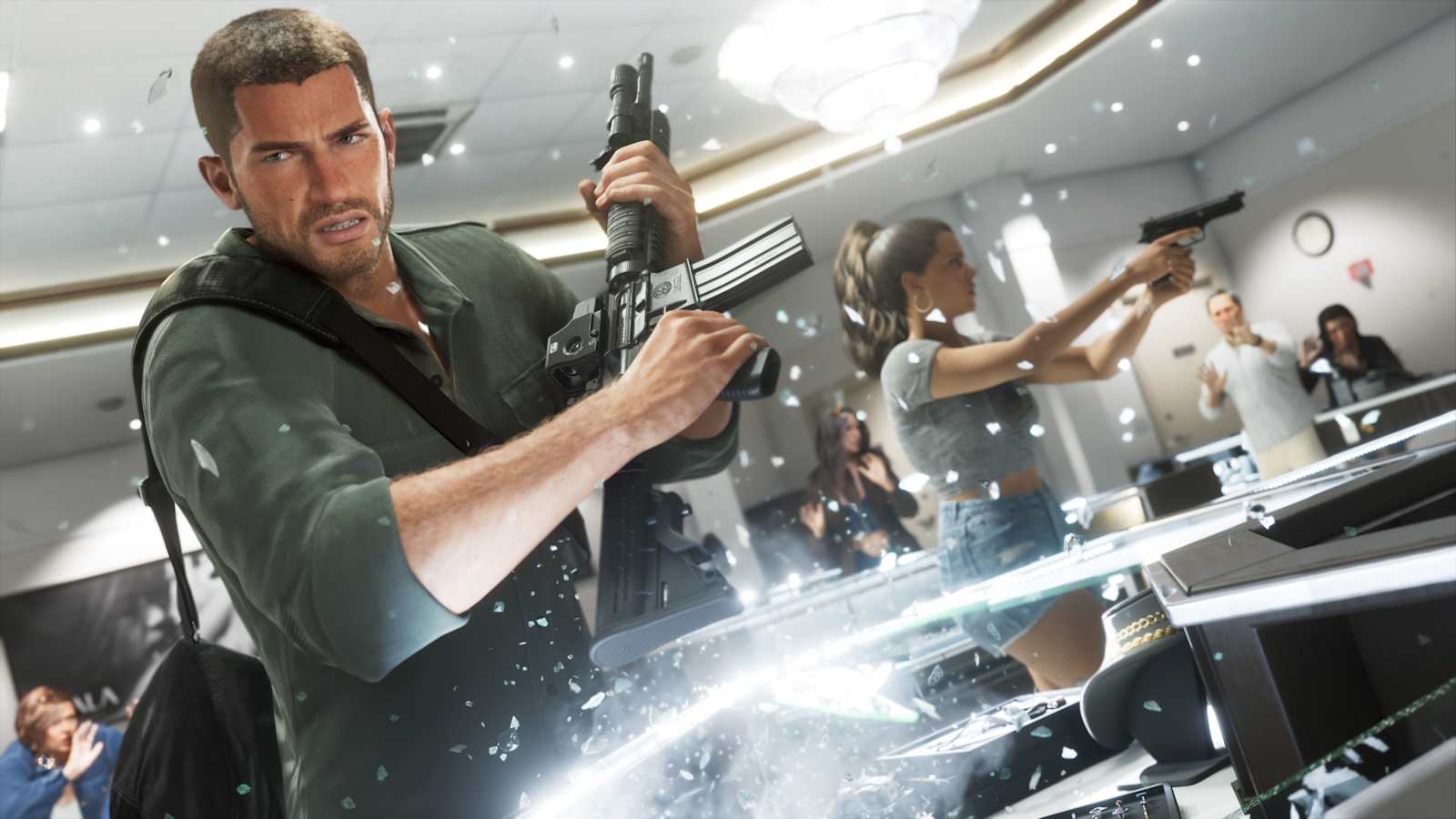
Can two people play Grand Theft Auto VI from a single copy? Yes, as long as both use consoles from the same family and the account that bought the game is set up on the friend's machine in a specific way. Released on 19 November 2026 for PlayStation 5 and Xbox Series X|S, GTA 6 has no announced online mode so far — what exists is the single-player campaign starring Jason and Lucia. Sharing, therefore, does not come from a Rockstar feature: it comes from two platform-level systems, Console Sharing and Offline Play on PS5 and Home Xbox on Microsoft's console. The owner keeps playing on their own machine, connected to the internet, while the guest uses their own profile on the console marked as shared. What does not exist is co-op: these are two separate campaigns, with separate saves.
The question surged in search during launch week because the game is expensive and plenty of people split the cost with a sibling, cousin or friend. The answer, though, has layers: beyond the price, players have to deal with console-switch limits, an internet requirement, the primary account and the fact that pre-order bonuses do not travel with the borrowed copy. Below is the step-by-step on both platforms, what Sony and Microsoft's official documentation actually allows, and the pitfalls that make the plan fail.
The short answer: yes, but "at the same time" means something else
When someone asks whether you can "play together" on a single copy, there are two different questions inside the same sentence. The first is whether two people can play the same game, each on their own console, having paid once. The answer is yes, within the same console family. The second is whether they can play with each other, in the same session. That answer is no: GTA 6 arrived as a one-player experience, and Rockstar has not announced a name, date or format for an online mode.
That changes the nature of the deal. Sharing a copy does not turn GTA 6 into a co-op game; it turns one purchase into two parallel campaigns, each with its own save, its own trophies and its own pace. It is useful for people who live together, for couples who want to play the story at different times, or for friends who agree to split the price and play on separate consoles — but it is useless for anyone hoping to walk into Vice City with company.
It is also worth spelling out what sharing does not allow: you cannot send a PS5 copy to an Xbox, or the other way round. The game stays tied to the account that bought it and to that account's platform. And there is no "lending the disc", because the physical edition of GTA 6 is a code inside a box, with no disc — a situation we covered in detail in our report on why the GTA 6 box has no disc.
The topic was treated as a service story on the eve of launch. In a piece published on 18 November, British newspaper The Independent summed up the consensus across both platforms:
"Rockstar has said there are no game-sharing restrictions related to GTA 6, but we'll add more information if that changes once the game unlocks."
PS5: how to enable Console Sharing and Offline Play
On PlayStation 5 the feature is called Console Sharing and Offline Play. It is switched on automatically on the first console where the account signs in, and it can be moved later. The key point: sharing must be enabled on the console of the person who will receive access, not on the owner's console. If you enable it on your own machine, your friend gets nothing.
Step by step
- On your friend's PS5, sign in with the PlayStation account that bought GTA 6.
- Open Settings and go to Users and Accounts.
- Select Other and then Console Sharing and Offline Play.
- Choose Enable (if it says "Disable", the feature is already on there).
- Still signed in with the owner account, open the game library, download GTA 6 and wait for the download to finish.
- Switch to your friend's profile and launch the game. The save will be theirs, starting from zero.

Sony's own support page is clear about the reach of the feature: once sharing is enabled, anyone who uses that PS5 can play the owner's games and media, even with the console offline, and can use some PlayStation Plus benefits. The page also states that sharing can be active on only one PS5 at a time, and that remote deactivation of all devices is allowed once every six months.
Because the wording covers "anyone who uses your console", the mechanism does not depend on family ties or a household plan: it depends on the console being marked and on the owner account staying there. That is the foundation on which GTA 6 sharing works.
The limits that usually catch players out
- One PS5 per account: console sharing can only be active on one console at a time. To move it, you must disable it on the previous one.
- Remote deactivation: if you lost access to the old console, you can deactivate all devices from Account Management — but Sony allows that only once every six months.
- The owner account must stay on the console: if the profile that bought the game is removed from the shared PS5, access is lost.
- Restore licences: when a game shows a padlock even though everything looks right, the path is Settings > Users and Accounts > Other > Restore Licences.
On the owner's side, nothing changes: they keep playing on their own PS5, signed in to the account that bought the game. The difference is that this console is no longer the shared one — which does not prevent normal use, as long as the machine is online to validate the licence.
Xbox: Home Xbox does the same, with its own rules
On Xbox Series X and Series S the logic is identical, under a different name. By setting your friend's console as your home Xbox, every profile that signs in there gets access to your digital games, even while you are offline. You, in turn, play on your own machine signed in to the account that bought the game.
Step by step
- On your friend's console, sign in with your Microsoft account (the one that bought GTA 6).
- Press the Xbox button and go to Profile & system > Settings > General > Personalisation.
- Select My home Xbox and confirm Make this my home Xbox.
- Download GTA 6 from your library and wait for the download to complete.
- Ask your friend to sign in with their own profile and open the game.
- Sign out of your account on their console before you finish.
Microsoft describes the benefit in terms very close to Sony's, and its support page treats the feature as a legitimate way to share a library:
"Making a console your home Xbox gives friends and family access to your games and content when you're not signed in. Your home Xbox also lets you play your digital games offline."
The important detail is that the home Xbox is also the console where your digital games work offline. On a machine that is not marked, the licence depends on the owner account being signed in and online — and if that session drops, the game stops. That is why the method only works with different profiles: the friend must play on their own account on the shared console, not on yours.
The five-switch-per-year limit
Here is a rule that does not exist on PS5. Microsoft is explicit: you can switch your home Xbox up to five times in any one-year period, and customer support cannot offer additional switches. Anyone who keeps moving the console between home, work and relatives' houses burns through that limit quickly — and, once it is reached, the My home Xbox menu itself shows the date when a new switch becomes available.
There is also a practical care: if you signed in on your friend's console to download the game, sign out afterwards. Leaving the session open is the most common cause of "the game closed by itself" in reports from people who share libraries, because access on a second console depends on your being online.
What the shared copy does not include
Sharing GTA 6 means sharing the right to run the game — not the account, not the progress and not the commercial perks. In practice, these stay behind:
- Progress, trophies and achievements: every profile starts from zero and keeps its own save.
- Pre-order bonuses: promotional items and packs are tied to the account that made the purchase.
- Special edition content: part of the extras in pricier versions usually follows the account, not the console; check each item's description in the store.
- In-game purchases and virtual currency: where they exist, they follow the account, not the device.
- Subscriptions and benefits: perks from services such as PlayStation Plus and Game Pass depend on the subscriber's active plan.
If the idea is to gift the game to someone in another house, the safest route is to let that person redeem the code on their own account. The boxed edition of GTA 6 contains only a single-use download code, and it binds to the account that redeems it. After redemption, the game behaves like any digital purchase — including for sharing.

Connection, security and the most common failures
Sharing is not an "lend forever" button. It depends on three things: the right console marked, the owner account present and the owner's connection active.
On PS5, the owner's console needs to be online to validate the game licence. On Xbox, the rule is the same: offline, only the home Xbox opens your digital games. If the internet drops on the buyer's machine, the game may ask for a connection and refuse to start — not because sharing failed, but because validation never happened.
Another point that causes confusion: the owner does not need to be signed in on the friend's console for the friend to play. The owner account is needed only to enable sharing and download the game. After that, it may even remain as a user on the device — and on PS5 it must stay there — but without an active session.
Space is another issue. Rockstar has said that pre-loading GTA 6 requires up to 212 GB, depending on the device, and the download must happen on the console that will run the game, signed in with the owner account — transferring the file from one machine to another is not enough. On consoles with small SSDs, check free space before starting.
Finally, a warning that is not technical: sharing puts your account on a device that is not yours. Anyone with access to that console could, in theory, reach your entire library and your payment methods. The standard advice — require a password for purchases and remove saved cards — matters even more when the console belongs to someone else. And if the plan is to dodge regions or stores to play early, the maths is different: that kind of manoeuvre carries suspension risk, which we covered in our report on changing your Xbox region to play GTA 6.
| Rule | PS5 | Xbox Series X|S |
|---|---|---|
| Feature name | Console Sharing and Offline Play | Home Xbox |
| Consoles per account | One | One |
| Switch limit | Remote deactivation of all devices once every 6 months | Up to 5 switches per year |
| Who plays on the shared console | Any profile on that device | Any profile on that device, even with the owner signed out |
| Owner playing on their own console | Yes, with the buying account and an active connection | Yes, with the buying account and an active connection |
| Playing together in the same session | No | No |
Is it worth splitting the cost?
Financially, the maths is simple: two players, one purchase, as long as both own consoles from the same family. Anyone who already has two machines at home comes out ahead without any creative arrangement. Anyone with a single PS5 or Xbox who wants to "take turns" does not need sharing at all: separate profiles on the same console are enough, and each person gets their own save.
The real cost is trust. Sharing a library means handing access to your account on someone else's device. Within families and between close friends, it is a common and reasonably safe arrangement. Between internet acquaintances, it is the kind of favour that tends to end in an argument over a console switch, a forgotten password or an unauthorised purchase.
Time is a factor as well. GTA 6 is a long game, and the Jason and Lucia campaign was built to be explored slowly. Sharing the copy does not speed anything up: it only lets both players move forward in parallel, each at their own pace, without paying twice. For more context on the game's universe, follow our full coverage in the games section.
The verdict
A single copy of GTA 6 can indeed serve two people on different consoles, using Console Sharing and Offline Play on PS5 or the home Xbox on Xbox Series X|S. The conditions are clear: same platform, one owner account, one marked console per account, an active connection for the owner and respect for each system's switch limits. What the shared copy does not deliver is a joint session — GTA 6 is, at this stage, a single-player experience, and any online mode still has no name or date.
For anyone about to share, the routine is short: decide which account will own the game, enable sharing on the console of the person receiving access, download the game there with the 212 GB of space it needs, sign out of the owner account on your friend's device and let each person play on their own profile. After that, the only day-to-day concerns are the owner's connection and the switch limits — two small details that, if ignored, usually create the false impression that sharing has "stopped working".
With information from The Independent, PlayStation Support and Xbox Support.
Suggested and related articles

How to unlock all GTA 6 cheats on PS5 and Xbox
GTA 6 money cheats: codes, unlocks and how to activate
GTA 6 on PS5 vs Xbox Series X: which runs better?

GTA 6 on Twitch: what the 3.3 million viewers really mean
GTA 6: what to do after Building a Life mission