PS5 and Xbox Series X crashes and shutdowns: how to fix
Published on · Updated on
Since GTA 6, crash and shutdown reports on PS5 and Xbox Series X became routine; see how to tell a software bug from hardware and what to do at home.
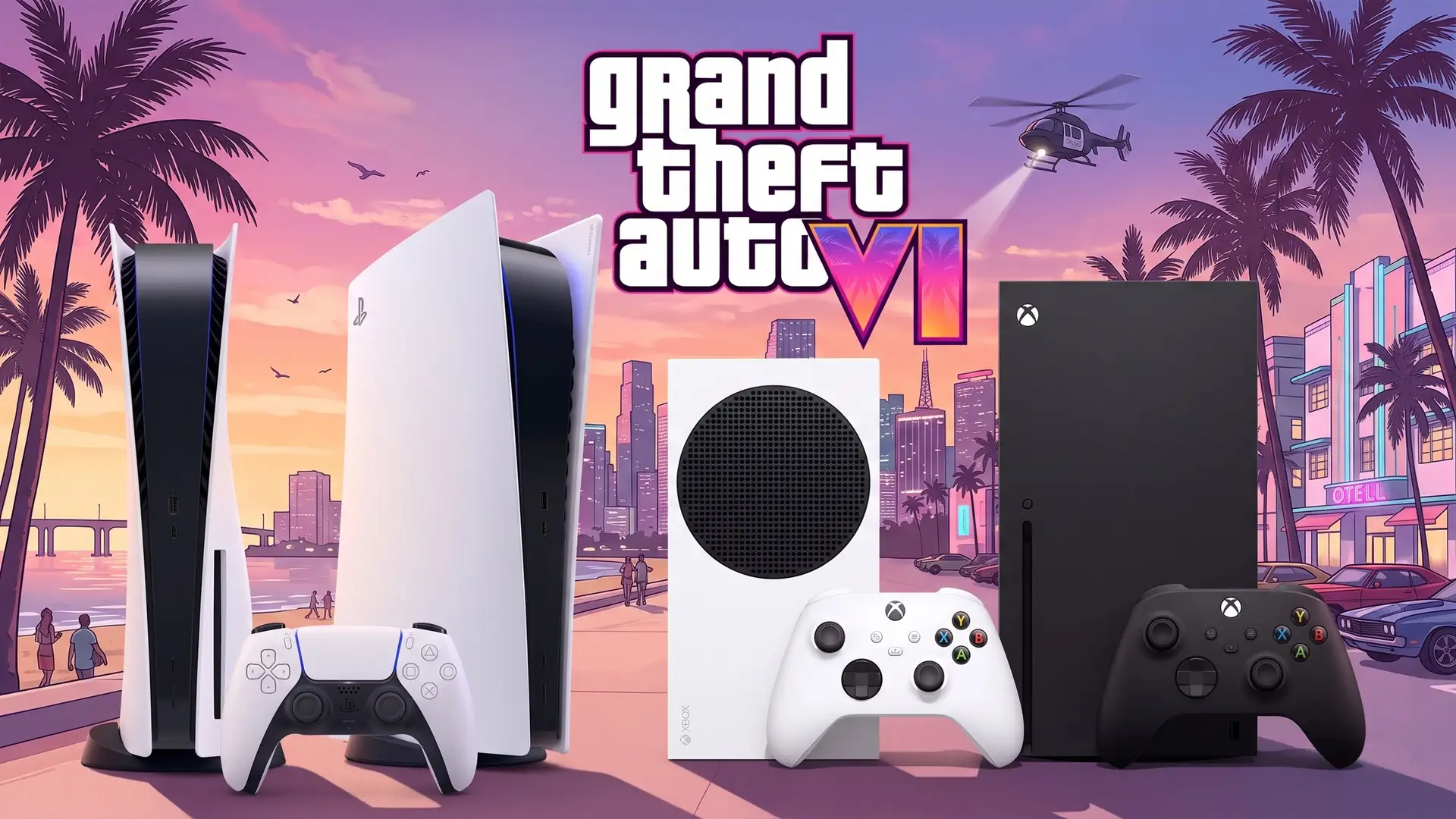
Since Grand Theft Auto VI launched on November 19, 2026, PlayStation 5, PS5 Pro, Xbox Series X and Xbox Series S owners have reported freezes, graphical artifacts and sudden shutdowns in the middle of sessions. So what should you do? The answer starts by separating three things that are usually treated as one: a game software bug, the console's thermal limit and an actual hardware failure. This guide puts the tests in the right order — from the simplest to the most invasive —, explains what each step actually fixes and shows when the case belongs to warranty or repair service. The recommendations follow Sony's and Microsoft's public support procedures and the technical report published by GameGPU on November 26.
What the reports show since launch
The first complaints came from PS5 owners, who described crashes while starting the story campaign and artifacts that looked like a GPU defect. Microsoft console users soon reported similar symptoms. On Series X, the most cited cases are sudden shutdowns after roughly 30 hours of play, drops back to the system menu and freezes in specific scenes. On Series S, players mention black artifacts and image flickering. On the Monday after release, Rockstar Games shipped the first console update with stability and progression fixes — and part of the player base kept reporting severe crashes after it.
The key point is that there is no evidence so far of widespread hardware failure caused by the game. The load on the consoles is high because of the open-world simulation and the lighting system, but high load alone is not a diagnosis of a defect.
"The high load on the consoles is related to the complex open-world simulation and lighting system, but the load alone does not indicate a hardware issue."
Software or hardware? The test that separates them
Before changing any setting, run the triage. It takes ten minutes and prevents both panic and wasted time on procedures that fix nothing.
- Artifacts outside the game: stripes, colored blocks or flickering in the console menu and in videos are not GTA 6. The suspicion shifts to GPU or memory — a repair service case.
- Artifacts only in GTA 6: test two or three heavy games you already own. If they run clean for an hour, the picture points to a software bug or a corrupted file.
- Shutdown without an error screen: a hard power-off is usually thermal protection or power delivery. A freeze with an error message and a return to the menu is more typical of software.
- Time between failures: if the interval gets shorter every session, the console is heating up faster than it should and physical cleaning becomes the priority.
On PS5: the right order of steps
Sony concentrates diagnostics in the console's official support pages and in Safe Mode. The sequence below goes from the least to the most invasive and can be stopped as soon as the symptom disappears.
1. Update the system and the game
Go to Settings > System > System Software > Update and confirm the latest version. Then highlight the GTA 6 icon, press Options and choose Check for Update. System updates fix driver and power management flaws; game updates fix mission and texture-streaming bugs. This step solves most crashes in recently released games.
2. Close the game completely and avoid Rest Mode
A crash that happens when you resume a session usually comes from Rest Mode: the game stays suspended in memory and comes back in an inconsistent state. Close the application, turn Rest Mode off during testing and boot the console from scratch. If the problem disappears this way, you found the cause.
3. Clear the cache and rebuild the database in Safe Mode
With the console off, hold the power button until the second beep (about seven seconds) and connect the controller with a USB cable. In Safe Mode, choose Clear Cache and Rebuild Database. There are two actions: clearing the system software cache, which discards corrupted temporary files, and rebuilding the database, which reorganizes storage indexes without deleting games or saves. This is the most effective step for crashes that always happen at the same point and for slow menus.
4. Check storage and reinstall the game
Check the free space on the SSD. A game that calls for around 210 GB and finds a nearly full drive struggles to write cache and load textures. As a last software resort, delete GTA 6 and install it again with saves synced to the cloud: reinstalling repairs corrupted files that the integrity check does not catch.
5. Take care of ventilation and dust
The PS5 needs free space around the air vents and should not sit in a closed cabinet, on carpet or against the wall. Dust on the grilles reduces heat exchange: vacuum the outside on low power, without opening the console. Never use a hair dryer — hot air makes it worse. If the console shuts down after 20 or 30 minutes, external cleaning and a change of location are the first serious test.
6. Video settings that reduce the load
It is worth testing 1080p output, HDR off and 120 Hz disabled when the panel does not handle the combination well. There is no hidden performance mode in GTA 6, though: the game was designed for 30 fps on every console — the variation around that target is a technical matter, as we explain in the analysis of why 30 fps holds differently on PS5 and PS5 Pro.
On Xbox Series X|S: the right order of steps
The logic is the same on Microsoft consoles, but the menus and the power mode behavior change. Official support keeps a specific article for when the console turns off by itself, and the procedures below come from it.
1. Update console and game
In Settings > System > Updates, check for a pending system update. Then highlight GTA 6, press the Menu button and choose Manage game and add-ons > Updates. A shutdown caused by thermal protection can happen even with everything updated — but updating removes the software causes from the path.
2. Turn it off completely and power cycle
Hold the console's Xbox button for about ten seconds until it turns off. Unplug the power cord, wait 30 seconds and turn it back on. The cycle clears the power state and restarts the thermal manager; it is the equivalent of the classic off-and-on that fixes many freezes on Series X.
3. Adjust power mode and storage
In Settings > General > Power mode, test energy-saving instead of Instant-On during diagnosis: Instant-On keeps the console partially active and can preserve bad states between sessions. Also check free space on the internal SSD.
4. Reset the console keeping games and apps
In Settings > System > Console info > Reset console, choose Keep my games & apps. The option restores system settings without deleting your library and saves and resolves profile and cache conflicts that survive ordinary restarts.
5. Ventilation: the classic Series X upright mistake
The Series X exhausts upward. Leaving it in a closed cabinet, against the wall or with objects on the top grille is the most common cause of overheating shutdowns — including in long sessions like GTA 6's, which were linked to power-offs after about 30 hours. The Series S has the circular grille on top and suffers from the same problem on a tight shelf. Keep at least ten centimeters free on all sides and clean dust from the outside with a low-power vacuum.
6. Clearing local saved data: only when a save is suspect
If the crash always happens when loading the same save, use Settings > System > Storage > Clear local saved games. The action deletes local saves and forces a cloud download when the game opens. Do it only with the console online and sync up to date, or you lose progress.
When it is a warranty or repair case
Three signs close the hardware diagnosis: artifacts that appear in every game and in the menus, shutdowns that get faster even with free ventilation, and abnormal fan noise paired with performance loss. In those cases, stop testing and claim the warranty.
Consumer law in Brazil grants 90 days of legal warranty for durable goods from delivery, running in parallel with the manufacturer's contractual warranty — usually 12 months for consoles. Keep the receipt, record the defect on video with date and time and note the tests already done. Sony runs the PlayStation repairs service and the PS5 support hub; Microsoft addresses unexpected shutdowns in its official Xbox support article.
Warranty warning: opening the console, breaking the seals, replacing thermal paste yourself or handing the device to an unauthorized repair shop can void the contractual warranty. The cleaning described here is external, with the console off and unplugged. Anything beyond that is service work — and, under warranty, it is free.
What not to do (and why)
- Do not open the console: besides voiding the warranty, the risk of electrostatic damage is high.
- Do not use a hair dryer, close-range compressed air or a powerful vacuum on the grilles: the blast pushes dust inward and can jam the fan.
- Do not resort to a jailbreak to "fix" crashes: it does not solve the problem and brings ban risk — see our guide on PS5 jailbreak and its risks.
- Do not ignore repeated shutdowns: every thermal power-off stresses the components, and the problem tends to get worse.
What to expect from here
GTA 6's recent history helps set expectations: the game arrived with real bugs and documented frame drops, received quick fixes and is still being adjusted. New patches should reduce the frequency of software crashes, but none of them fixes a console clogged with dust or installed without ventilation. If the case is software, the update solves it; if it is hardware, the path is the repair service — and, when in doubt, testing other games remains the best judge.