How to fly a plane in GTA 6: controls and tips
Published on · Updated on
From Jason's first flight in Gone Fishing to landing: GTA 6 plane controls, how to take off, turn, land, and where to find every aircraft in Leonida.
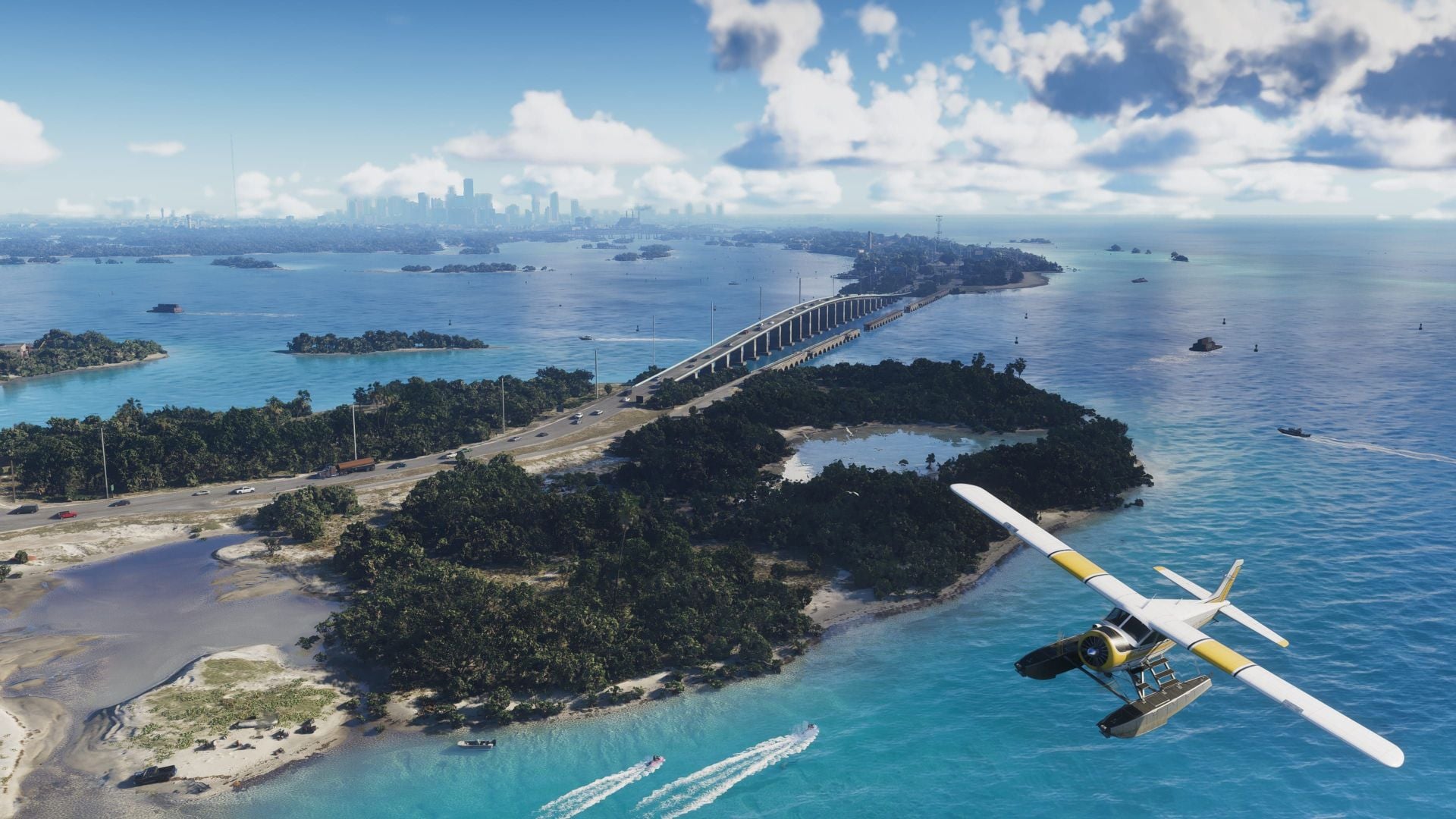
Flying a plane in GTA 6 only looks like driving a car. The aircraft answers to its own inputs, needs to be lined up on a runway or on water, and demands patience when it is time to land. The game arrived on November 19, 2026, for PlayStation 5 and Xbox Series X|S, and the first contact with the flight controls happens in Chapter 1, at the end of Gone Fishing, when Jason has to take Brian's seaplane out of the Kingfishers' camp. From then on, any airstrip on the map becomes a doorway to Leonida seen from above.
This guide gathers what the game's tutorial teaches, the full button layout on PS5 and Xbox, the step-by-step for takeoff, flight and landing, the settings that change how the aircraft behaves, and where to find planes — from borrowed biplanes to military jets. The buttons were checked on the launch version and may change in updates; the controls menu is always the definitive source.
Where the first flight happens
GTA 6's first plane is not at an airport — it is on the water. In Gone Fishing, still in Chapter 1, Jason leaves the Kingfishers' camp aboard Brian's seaplane, a white and blue Mammoth Dodo with the owner's name painted on the fuselage. It is the mission that introduces flying in a guided way: the game shows each command at the moment it is needed, without asking the player to memorize anything before taking off.
After that mission, the skies over Leonida open up. Small airstrips, airports and military bases start to hold available aircraft, and the plane becomes the fastest way across the map — as well as the best tool for clearing the fog that covers regions you have not visited yet. Keep that detail in mind: flying is not just transport, it is progression.
GTA 6 plane controls
On the controller, the logic is simple: the triggers handle speed, the left stick handles the aircraft's attitude, and the face buttons control the rudder. The rest is inherited from regular vehicles. The table below sums up the default layout on PS5 and Xbox Series X|S.
| Action | PS5 | Xbox |
|---|---|---|
| Accelerate / climb | R2 | RT |
| Slow down / descend | L2 | LT |
| Pitch and roll | Left stick | Left stick |
| Yaw left | Square | X |
| Yaw right | Circle | B |
| Landing gear (when available) | L3 (click) | LS (click) |
| Look behind | R3 (hold) | RS (hold) |
| Exit vehicle | Triangle | Y |
| Shoot | R1 | RB |
The first-flight tutorial is straight to the point and works as a quick reference. These are the on-screen prompts:
“Hold Square or Circle to use the plane rudder while flying or on the water.”
It is worth noting that the rudder is not the same as steering with the stick. The rudder swings the nose without banking the wings, and it is what corrects your heading when lining up for takeoff or final approach. Mixing the two is what produces smooth turns.
How to take off
Takeoff starts on the ground, with the aircraft stopped and pointed at open space. If you are at an airfield, line the plane up with the runway; if you are on water, look for the longest clear stretch ahead, because the run is long and any badly judged turn costs precious meters.
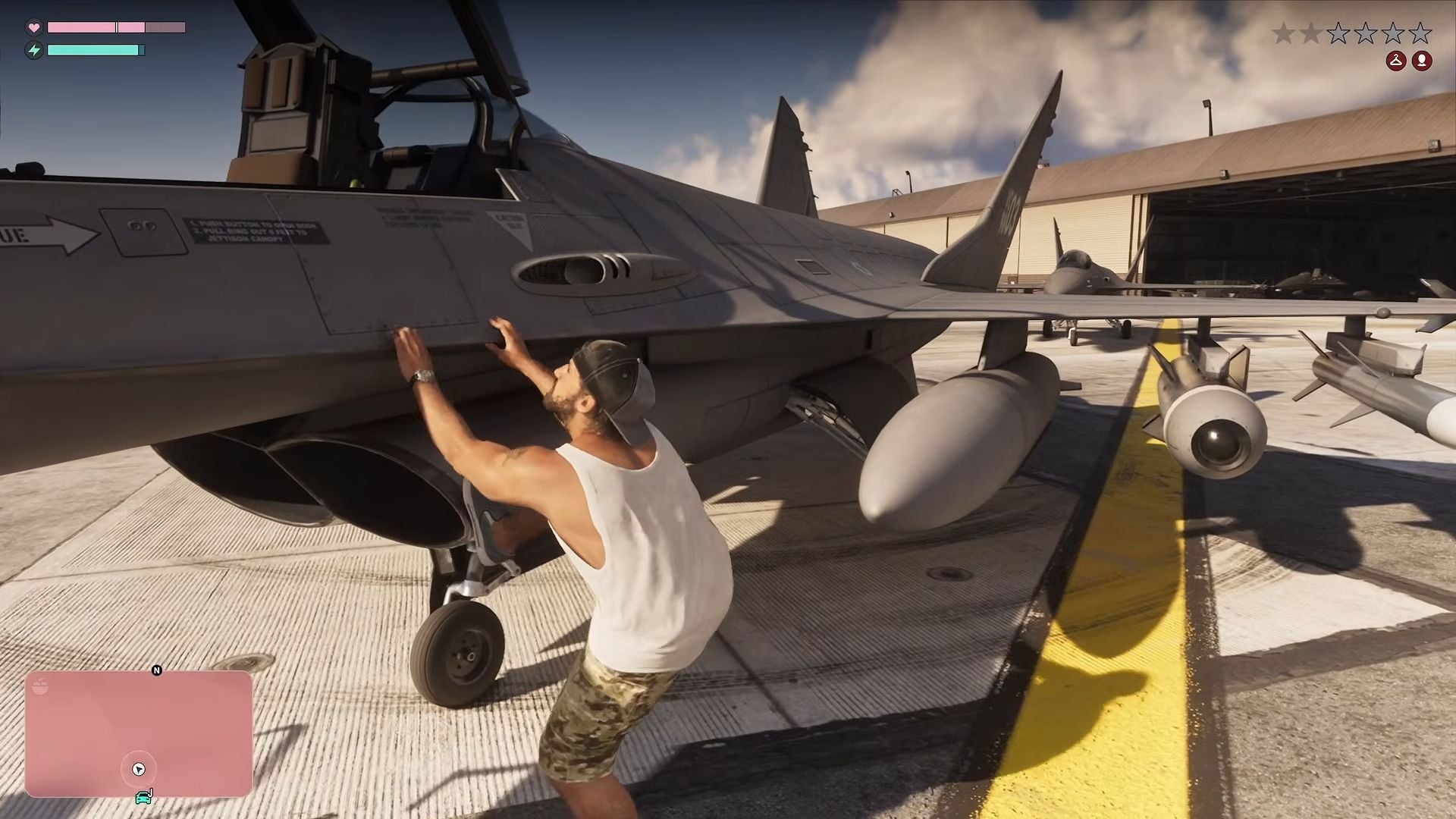
- Get in: stand next to the aircraft and press Triangle (PS5) or Y (Xbox). In large planes, such as airliners, you have to walk to the cockpit instead of entering straight into the seat.
- Line up: use the rudder (Square/Circle or X/B) to keep the nose straight relative to the runway or the water.
- Accelerate: hold R2 or RT until you build speed. The engine sound and the plane's response tell you when there is enough lift.
- Pull the left stick back: with the nose rising, the plane leaves the ground. The movement should be gradual; a sharp yank bleeds speed and can cause a stall right after takeoff.
- Retract the landing gear: if the aircraft has retractable gear, press L3 or click the left stick to gain speed and avoid damage.
Brian's seaplane takes off exactly like that, only on water: the run is slower and the aircraft tends to bounce until it reaches enough speed. Keeping R2 held and not overcorrecting the heading is what guarantees a clean climb.
How to fly and turn
In the air, the left stick controls two things at once: pitch (raising and lowering the nose) and roll (banking the wings). The rudder sits on the face buttons. Combining the two is the secret to avoiding a zigzag across Leonida's sky.
For a wide turn, gently bank the plane with the stick in the desired direction and follow with the rudder to keep the nose pointed where you want it. For small corrections — lining up with a runway, dodging a building, following a river — use only the rudder. It turns the aircraft without banking and is far less risky at low altitude.
Two settings directly affect how flight feels. The first is vertical inversion, on by default under Controls > Inverted Controls > Aircraft Movement. Players used to pulling the stick back to climb may find it odd, and the fix is to turn it off. The second is camera return speed, under Camera > Aircraft: higher values make the camera twitchier, while lower values help with precision maneuvers.
How to land without exploding
Landing is the part that kills the most beginners. The rule is always the same: arrive slowly, lined up, with the nose almost level. There is no shortcut — coming down fast onto a short runway ends in an explosion.
- Pick the spot in advance: an asphalt runway, a dirt strip or a stretch of water free of boats and rocks. The longer, the better.
- Line up as early as possible: use the rudder to correct your heading while you are still far away. On final approach, adjustments should be minimal.
- Release the throttle: let go of R2/RT and let speed drop naturally.
- Hold L2/LT: the left trigger reduces speed and helps control the descent. The game's prompt is explicit about it.
- Touch down with the nose level: if the aircraft has landing gear, lower it with L3 before contact. Then brake and let the plane slow down.
“Hold L2 to slow down as you descend and approach the water.”
In the seaplane, touching the water is more forgiving: the plane glides for a few meters and settles. The altitude readout on the minimap helps measure the descent — when the number gets close to zero, the landing is complete. On dirt strips, watch for rocks and poles; on asphalt, watch the available length.
Where to find planes in Leonida
After Gone Fishing, aircraft show up across the map. Each type has a different use and a different risk, and picking the right plane avoids unnecessary wanted levels.
| Location | What you will find |
|---|---|
| Key Lento, Mariana County | Airstrip near Jason's house with a Bottcher Duster; about 1.4 km from the house, close to Boundary Road. |
| West of the swamps, Mariana | A backup plane, useful when the Key Lento one is gone or destroyed. |
| Flamingo Island, north Vice City | A plane and a helicopter in the same area. |
| South of Port Gellhorn, Kelly County | Airstrip with a plane and a helicopter, a good base for exploring the center of the map. |
| Central and northern Kelly County | Smaller airstrips with replacement planes. |
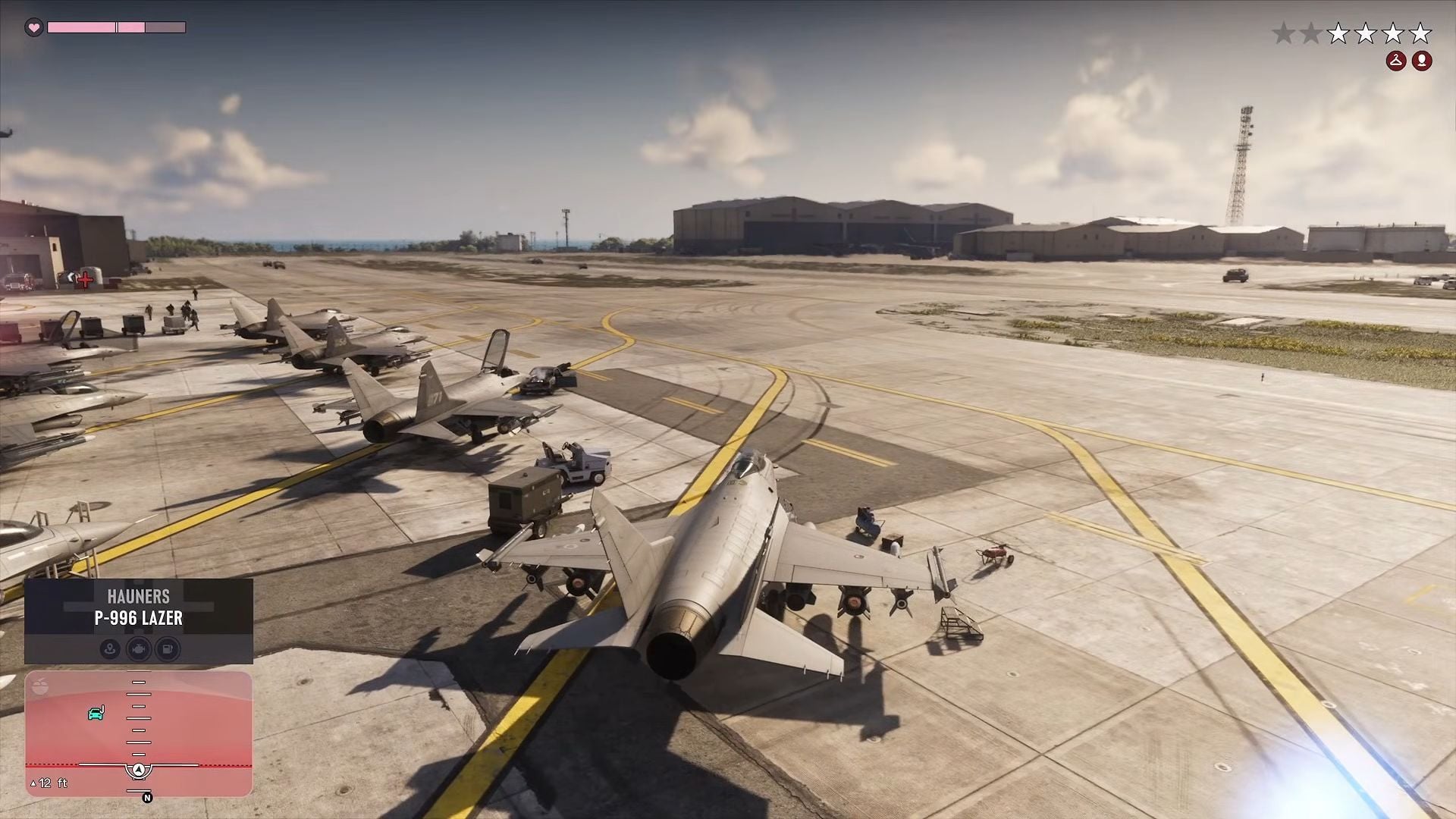
| Mile Zero Air Station | Military jets, including the P-996 Lazer, and armored vehicles. Restricted and dangerous. |
| Vice City International (VCIA) | Airliners. You have to enter the aircraft and walk to the cockpit. |
| Wild Hog Point | Single-passenger planes parked out in the open. |
There is also a personal plane tied to Kyle McKittrick: after finishing the side-mission line at the family farm in East Kelly County, Kyle's Mallard is unlocked as a personal aircraft and appears marked on the map. It is the most comfortable option for flying without depending on scattered airstrips.
Security rules change from place to place. Small, unguarded airstrips are the calmest route. The international airport and Mile Zero are restricted areas: entering them triggers a wanted level, and taking off in a military jet can put police fighters on your tail. To cruise and clear the map fog, stick with the crop duster.
Tips to keep from crashing
- Fly low to stay hidden. The game itself says lower altitudes reduce the chance of police spotting the aircraft. It is the most efficient tactic for crossing the map without a chase.
- Watch the fuel. Planes burn fuel, and when the tank runs dry the aircraft goes down. Turn on the fuel gauge in the interface options so it shows above the minimap.
- Save before long flights. The game does not save often while you are in the air. If the plane crashes after 20 minutes of flight, progress can roll back a long way.
- Bring a parachute. If the engine fails or the plane is hit, the parachute is the only way out. Open it with X or A and steer down.
- Use the biplane to clear the map. The crop duster at small airstrips has plenty of fuel, does not attract fighters and uncovers entire map sections in one pass. Clearing all of Leonida earns the The Goodtime State achievement.
Frequently asked questions
Do I need to finish the story to fly a plane?
No. Finishing Gone Fishing in Chapter 1 is enough to unlock Leonida's skies. The mission is mandatory and comes early, so practically every player has flight access within the first hours.
Why does the plane climb when I push the stick down?
Because Aircraft Movement under Inverted Controls is on by default. If the inversion bothers you, turn it off in the settings menu. The change applies to all planes and helicopters.
Can I land anywhere?
On runways, wide roads and flat surfaces, yes, as long as speed is low. The seaplane can also land on water. Landing on rough terrain or narrow streets usually damages the aircraft.
What is the best plane for beginners?
The Duster at Key Lento and the crop duster at small airstrips. They are slow, predictable and do not attract fighters. Leave jets and airliners for when you are comfortable with the rudder and with landing.
Why it pays to learn flying early
GTA 6's flight system is not complicated, but it demands respect: just like in real life, the plane does not forgive haste. Anyone who masters a lined-up takeoff, a rudder turn and a slow approach gains the whole map in a few minutes and still finds points of interest that would hardly show up on the ground.
It is also worth following the launch's technical issues — our roundup of bugs and FPS drops helps separate a game fault from a control mistake — and checking the mandatory PS5 update checklist before blaming the pilot. For those just starting out, the Games section gathers other launch guides.
The information in this guide was cross-checked against the official Grand Theft Auto VI website, the in-game tutorial and guides published on launch day, including the original Sportskeeda report. Controls and vehicle names may change with patches; when in doubt, check the Aircraft tab in the control scheme menu.
Suggested and related articles

GTA 6 on PS5: checklist to play at midnight on November 19
What Is Mount Kalaga in GTA 6 and Where Is It?
PS5 Midnight Black is Japan-only; will it reach Brazil?

GTA 6: how many missions and the full campaign order
GTA 6 on PS5 Pro vs Series S: what really changes