Roblox: Sleep Paralysis quest guide in The Hollow
Published on · Updated on
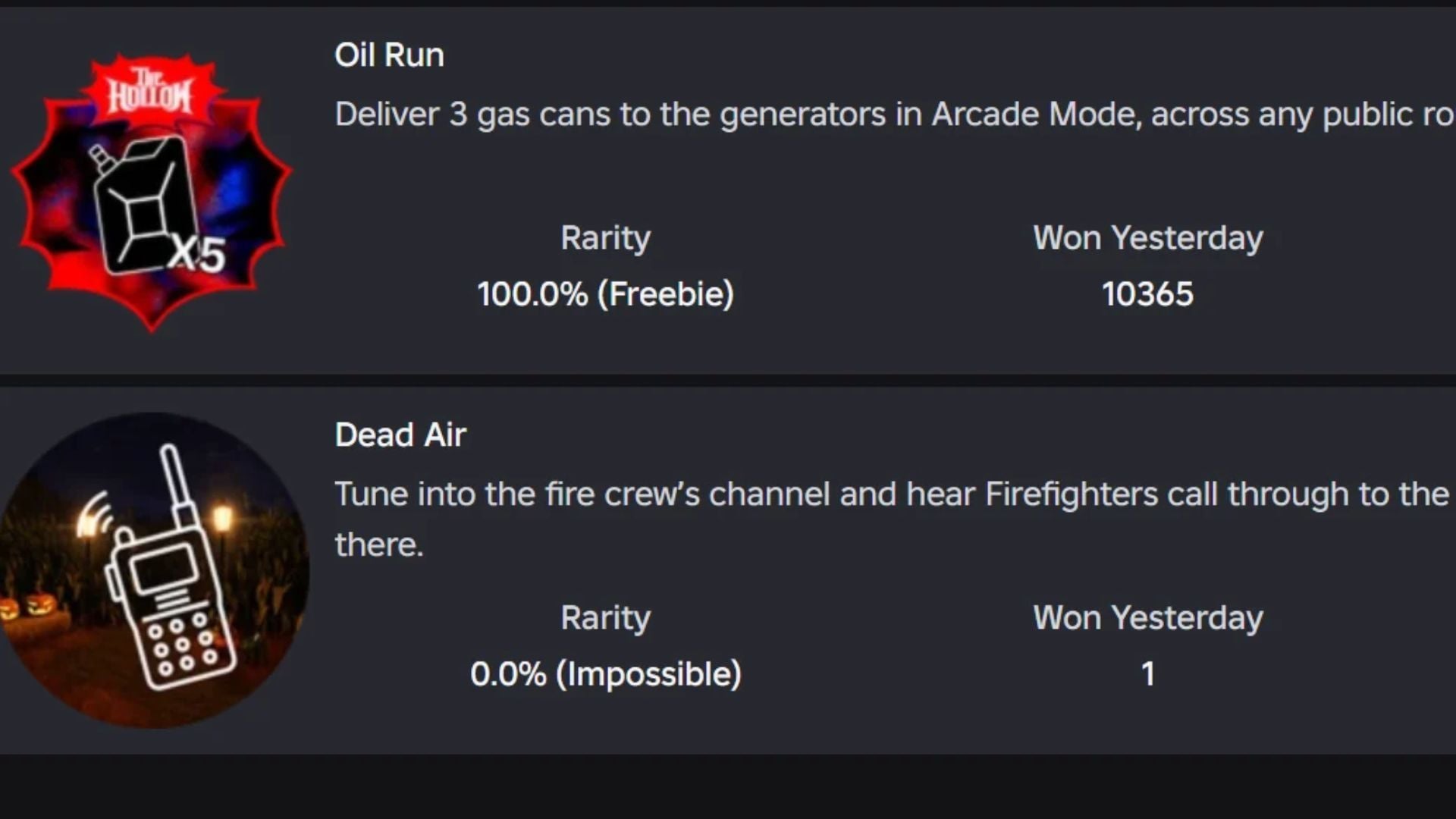
Find all three Gas Cans in Sleep Paralysis Arcade Mode to unlock the Oil Run badge and earn 20 Tickets in Roblox's Halloween event The Hollow. Full guide.
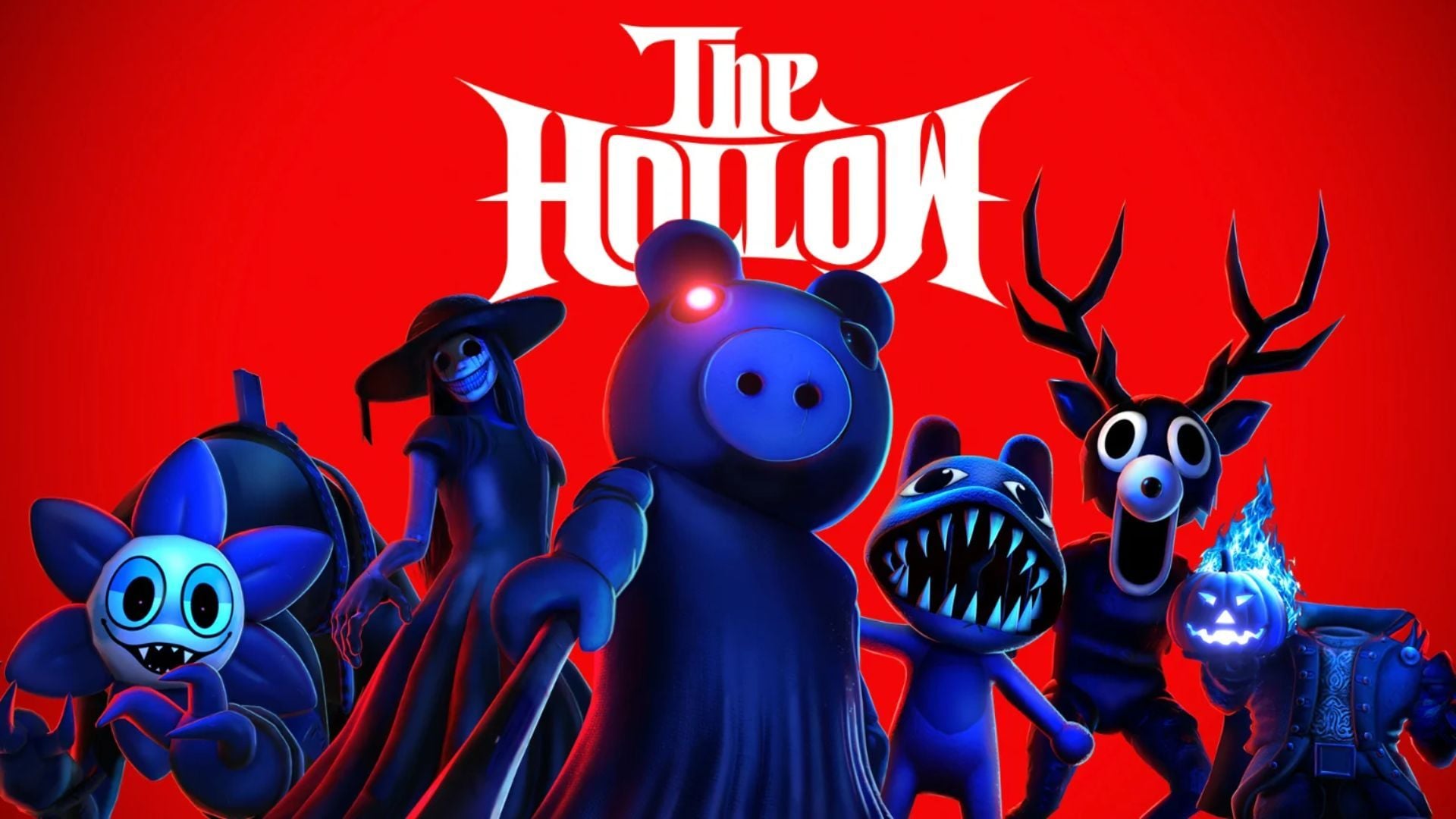
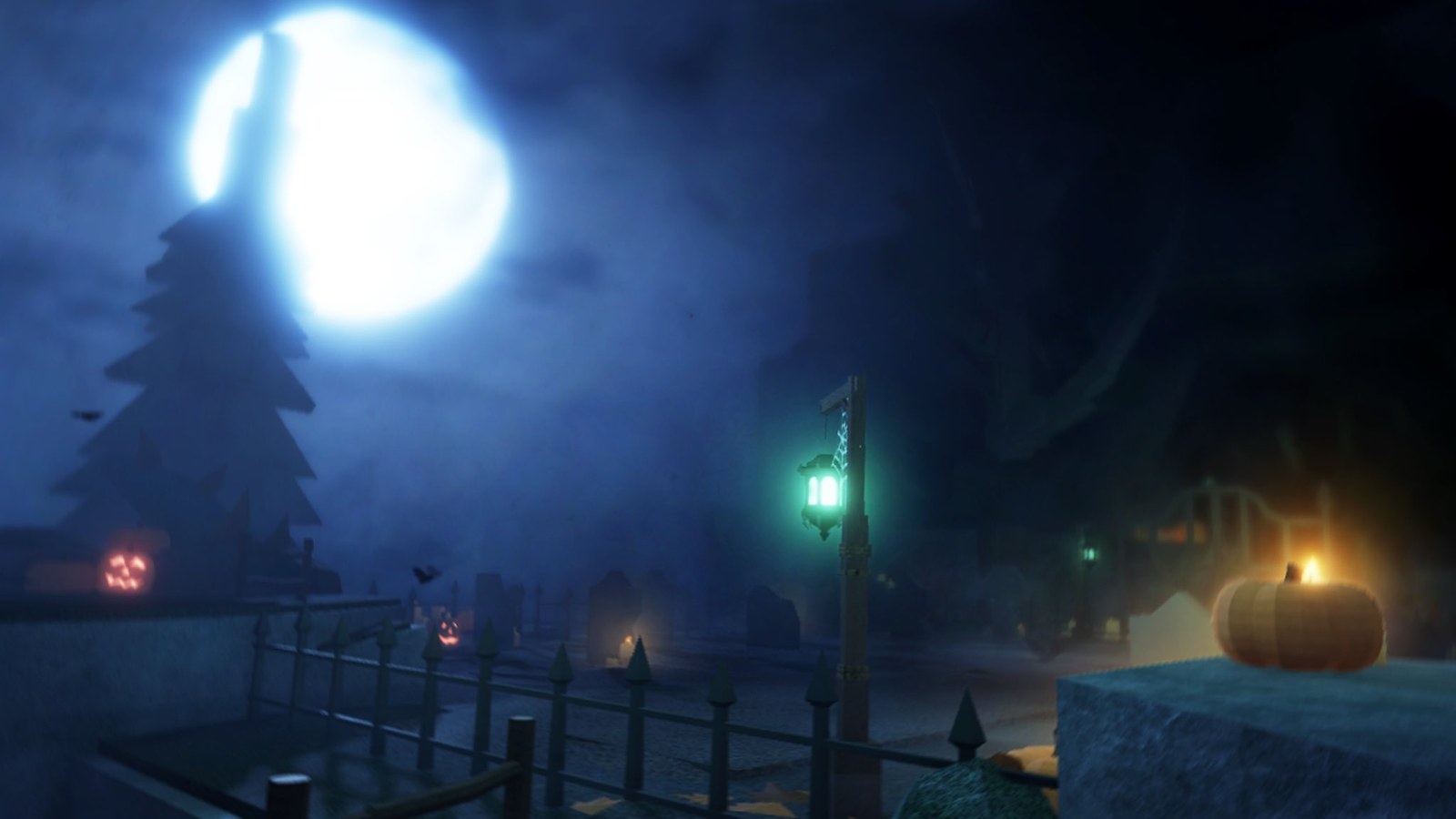
The platform-wide Halloween event The Hollow has brought thrilling survival challenges to the Roblox ecosystem for 2026, linking participating community titles to a massive seasonal hub filled with limited-edition avatar cosmetics. One of the cleanest and most accessible quest routes takes place within Sleep Paralysis, where players must dive into Arcade Mode, track down three Gas Cans inside a darkened labyrinth, and refuel a central generator before the ten-minute blackout hits. Completing this objective awards the Oil Run badge, which can be immediately redeemed for 20 Tickets in the event hub to buy exclusive concessions shop items.
For players aiming to gather every reward before The Hollow concludes on November 2, 2026, understanding how Sleep Paralysis structures its arcade run is essential. While the game features spooky corridors, ambient tension, and sudden jump scares, its platform rating is Mild (suitable for players ages 5 and up). That makes the mission accessible to beginners and seasoned players alike. The challenge supports squads of up to four survivors, though solo players can also complete it efficiently by following the visual beacons placed around the map.
What is The Hollow event and where Sleep Paralysis fits
Presented under the official Roblox Presents initiative, The Hollow acts as a cross-game celebration of Halloween. The core loop alternates between an expansive central hub—where avatars can browse portal gates, inspect leaderboard statues, and visit vendors—and curated community experiences. Stepping into a participating world launches a temporary custom objective. Completing the task unlocks a special achievement badge registered directly to your Roblox account profile.
Within this lineup, Sleep Paralysis delivers atmospheric suspense without punishing mechanical complexity. Unlike games requiring intricate obstacle parkour or intense combat reflexes, this challenge tests basic navigation, situational awareness, and route management. According to reports from active community guides, delivering the three Gas Cans in Sleep Paralysis stands out as one of the fastest and most reliable ways to secure 20 Tickets without getting bogged down by RNG puzzles or extended matchmaking queues.
"The Hollow links participating experiences into a seasonal scavenger hunt, where every completed badge brings players closer to unlocking exclusive Halloween UGC catalog items."
If you are working through the full roster of event challenges, be sure to check our step-by-step walkthrough on how to get the Candy Corn Rune Antlers on Floor 7, maximizing your total ticket haul before the event ends.
Lobby setup: entering Arcade Mode and launching Quick Play
To begin the challenge, join the official The Hollow hub experience on Roblox or navigate directly to the Sleep Paralysis game page. Once your avatar spawns in the main lobby of Sleep Paralysis, ignore the standard campaign doors. The event quest is tied exclusively to the game's alternate arcade format.
- Locate the Arcade Mode portal: In the main lobby area, head toward the brightly marked Arcade Mode gateway.
- Choose Quick Play: When interacting with the mode selection menu, select Quick Play. This queues up the specific procedural maze session required for the event objective.
- Party setup: The matchmaking screen allows you to create a squad of up to four participants. If playing with friends, send your lobby invitations now; if running solo, simply proceed into matchmaking directly.
- Map spawn: Wait for the short loading screen to complete and spawn into the dark facility grounds.
How to locate and retrieve all three Gas Cans
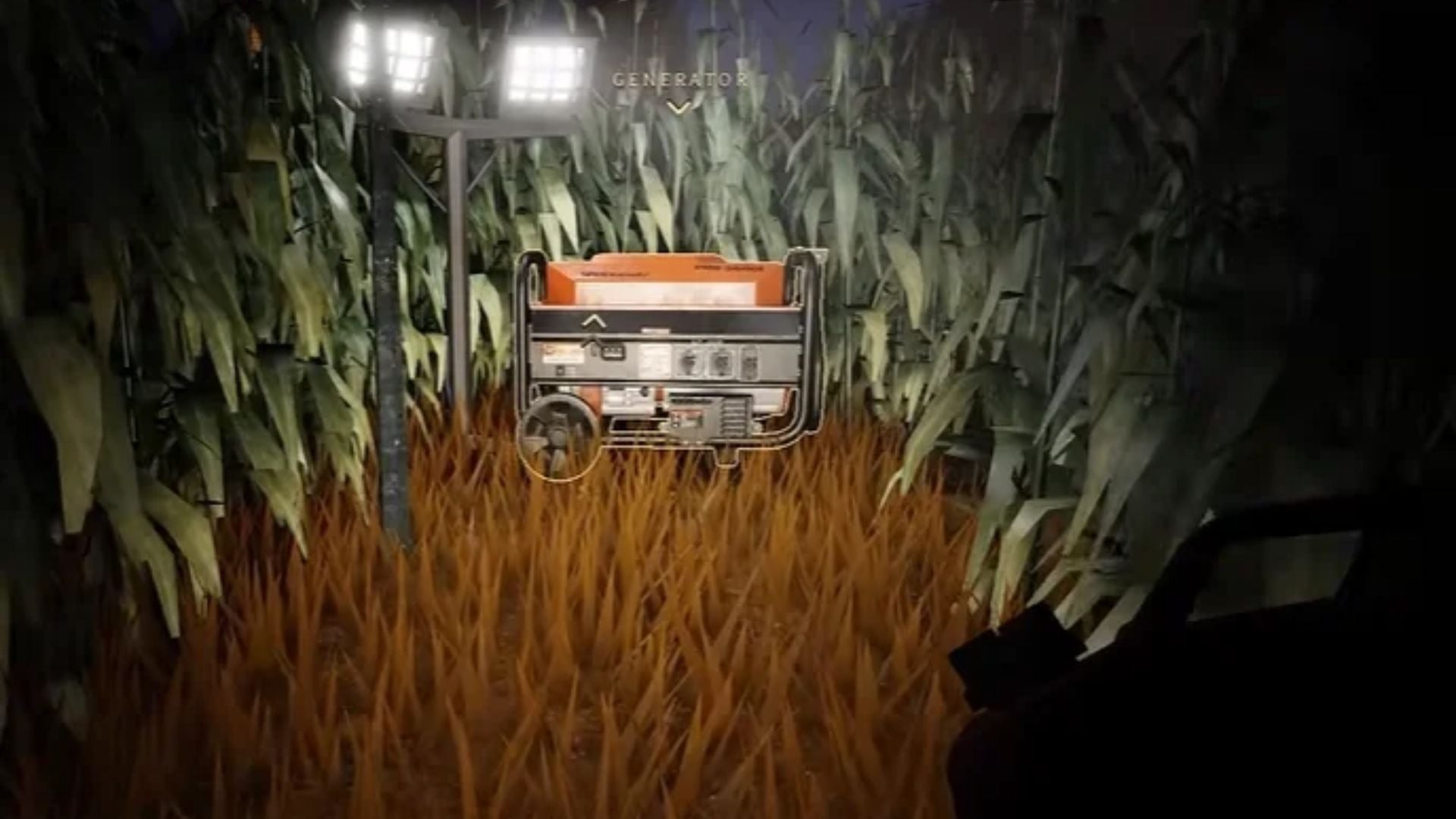
Upon spawning into the Arcade Mode map, your first priority is to spot and remember the location of the power Generator. It sits right beside the starting spawn point, surrounded by industrial framing and hazard tape. This is where all three cans must be deposited.
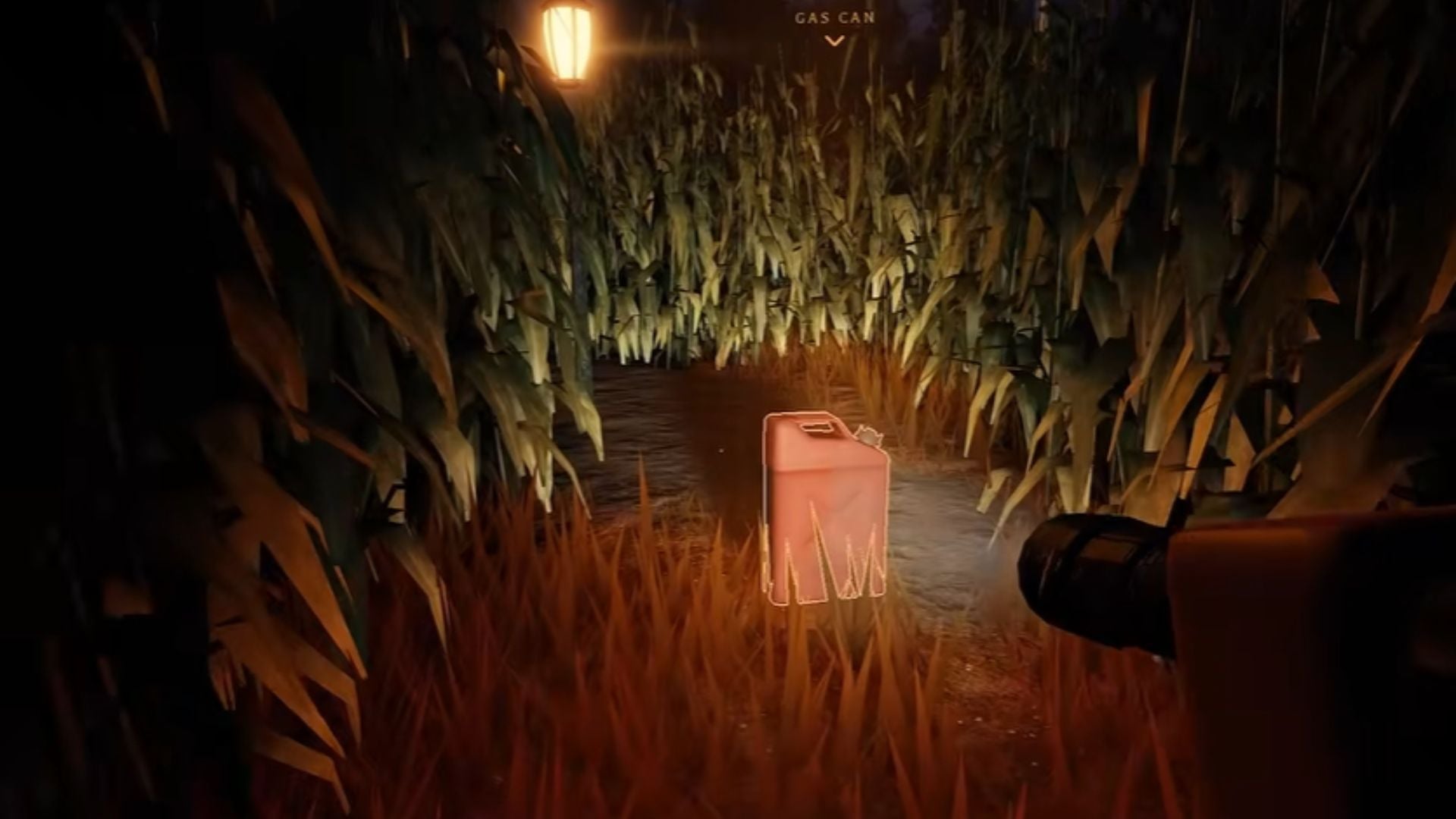
Locating the Gas Cans is straightforward thanks to a prominent visual assist: each container projects a glowing light beam (beacon) straight upward toward the ceiling. Even with low ambient lighting and twisting corridors, panning your camera or scanning hallway intersections quickly reveals the general direction of each item.
- First Gas Can: Typically spawns in an intermediate corridor relatively close to the generator. Run along the corridor aligned with the light beam, press your interaction key (E on PC, designated gamepad button, or screen tap on mobile), and pick it up.
- Second Gas Can: Often located along a side branch of the maze. Watch for blind turns and maintain your orientation relative to the beacon beam.
- Third Gas Can: Placed in the deeper corridors of the map. Because this run involves the longest trek back to the generator, keep note of landmark doorways to avoid getting trapped in dead ends.
Keep in mind that players can carry only one Gas Can at a time in their active inventory. Attempting to stockpile all three containers before making a delivery will not work: grab one can, sprint back to the generator, complete the fueling interaction, and then head back out for the next beacon.
The Blackout mechanic: why the 10-minute clock matters
The primary hazard in Sleep Paralysis Arcade Mode is the countdown clock. From the second your party spawns into the maze, you have exactly ten minutes before the facility experiences a catastrophic power failure known as the Blackout.
If your squad fails to fuel the generator within ten minutes, the environment undergoes severe changes. Emergency backlights flicker out completely, visibility drops to near zero, and the frequency of audio and visual jump scares spikes dramatically. Hostile shadow entities also roam corridors with heightened aggression, turning what should be a routine delivery run into an agonizing survival struggle.
When running the mode with a four-player squad, the mission becomes almost trivial: each member can branch off toward a different glowing beacon simultaneously, while one teammate remains at the generator to coordinate drop-offs. A coordinated team can finish the run in three to four minutes, bypassing the Blackout phase entirely.
Sleep Paralysis quest overview
To help you plan your run and track event variables, here is a concise summary of the mission details:
| Parameter | Details |
|---|---|
| Roblox Experience | Sleep Paralysis (Arcade Mode / Quick Play) |
| Featured Event | The Hollow (Halloween 2026 - Roblox Presents) |
| Core Objective | Deliver 3 Gas Cans to the power Generator |
| Safety Deadline | 10 minutes (before the Blackout phase triggers) |
| Squad Size | Up to 4 players per party |
| Content Rating | Mild (ages 5 and up) |
| Achievement Badge | Oil Run |
| Hub Reward | 20 Tickets redeemable at the Concessions Shop |
How to redeem 20 Tickets in The Hollow Hub
The moment you submit the final Gas Can into the generator, the system displays the Oil Run badge notification. Once that badge is awarded, your achievement is permanently saved to your Roblox account, and you can safely return to the hub.
Follow these steps to claim your seasonal currency:
- Return to The Hollow Hub: Exit Sleep Paralysis and rejoin the main The Hollow event experience.
- Open the Quest Panel: In the event lobby, click on the quest log icon located on the screen sidebar or visit the reward terminal.
- Locate the Oil Run card: The Sleep Paralysis task entry will show a completed status with an active redeem button.
- Collect your 20 Tickets: Click the green claim button to deposit 20 Tickets into your event inventory.
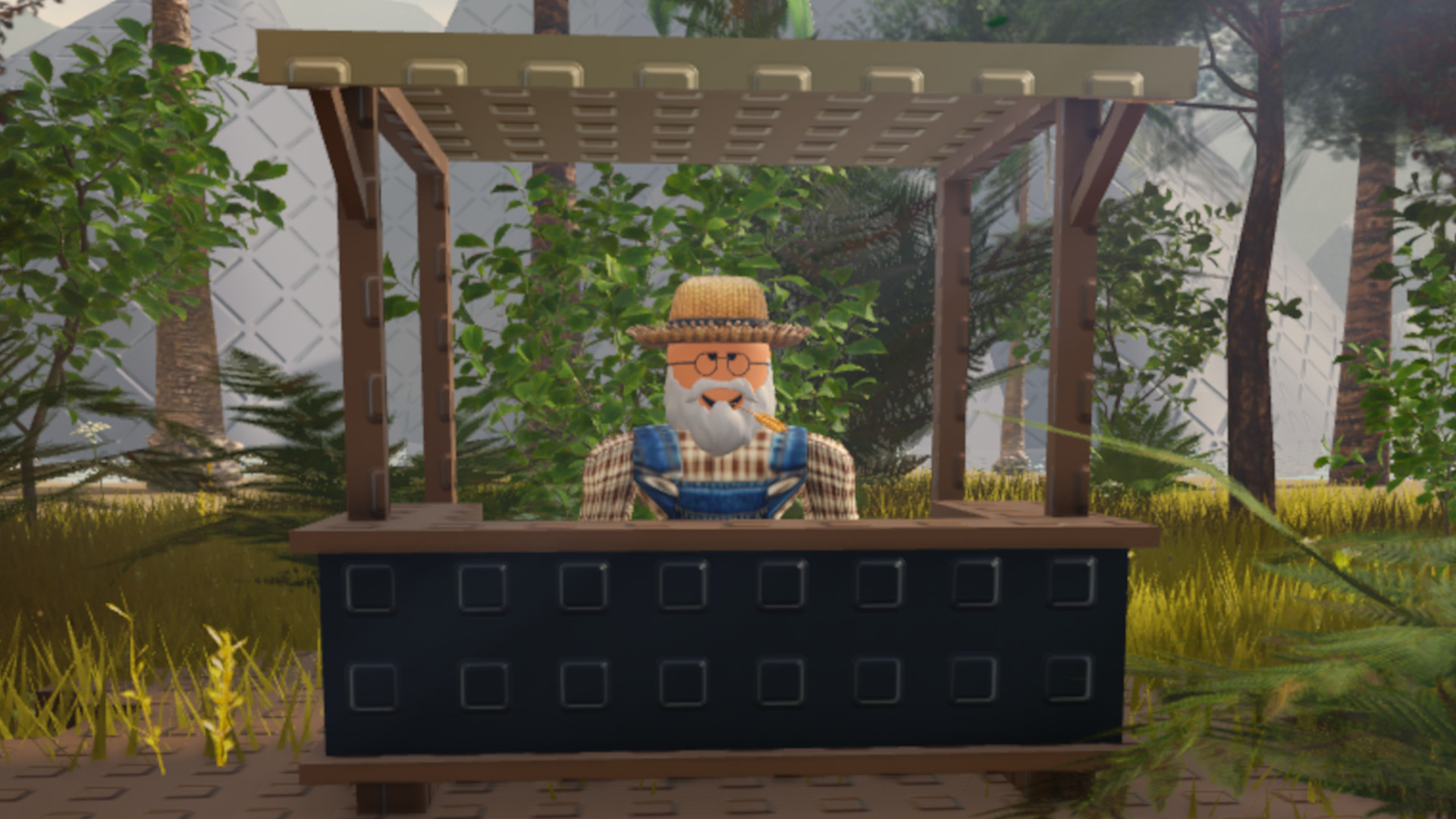
- Shop at the Concessions booth: Head to the event square and browse the Concessions store to spend your tickets on masks, hats, wings, and Halloween UGC accessories.
Remember that The Hollow officially closes on November 2, 2026, at 12:00 PM Pacific Time (20:00 UTC). Unspent event tickets do not roll over to future events, so be sure to trade in your tickets at the Concessions booth as soon as you have enough for your target items.