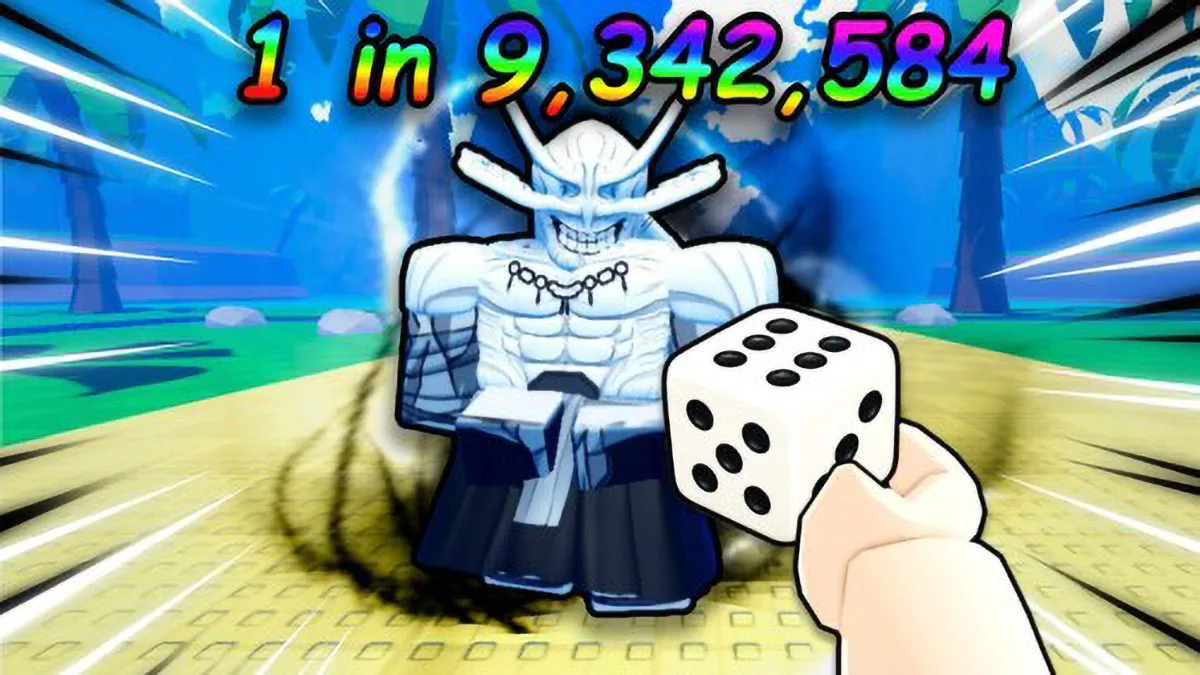
The Anime Dice simulator just dropped a fresh batch of promo codes that give you extra spins, gems, and attribute resets in Roblox. These rewards speed up progress for both newbies and veterans, letting you summon fighters inspired by iconic shonen franchises without spending real money from your wallet.
The game leans into the luck-driven incremental simulator formula: you roll dice to build fortune and unlock legendary fighters inspired by beloved universes like Dragon Ball, Naruto, and Jujutsu Kaisen. Extra spins and trait rerolls directly affect the odds, giving you a mathematical edge to land the strongest modifiers in the roster.
Full list of active Anime Dice codes
Developer More & More Games has released the following codes that are valid for immediate redemption on the servers:
- UPDATE2: Grants two lucky spins, five trait rerolls, and five gems.
- UPDATE1: Grants two lucky spins, three trait rerolls, and three gems.
- RELEASE: Delivers one lucky spin, two trait rerolls, and two launch celebration gems.
The dev team deactivates old codes without notice as soon as new events go live. If you run into trouble typing the combos, check for accidental spaces or make sure your connected server has the latest build from the official server.
What lucky spins and rerolls actually do
Lucky spins massively boost the rarity multiplier when rolling for new hero units, cutting down your reliance on the game's default drop rate. Each character you acquire generates passive income and multiplies the power of the dice you throw on the table.
Trait rerolls, on the other hand, reset the passive modifiers tied to your avatars, letting you swap common traits for speed, critical damage, or money amplifiers. The gems you get round out this economy, serving as a secondary currency for direct inventory upgrades.
Step-by-step guide to redeeming rewards in-game
Activating these perks requires a quick eye on the game's starting interface:
- Launch Anime Dice from the official Roblox launcher.
- Complete the basic on-screen tutorial instructions.
- Find and click the Shop button on the side of the user interface.
- Scroll the shop menu all the way down to find the dedicated code input field.
- Type or paste your desired code into the field and hit the Redeem button to credit the prizes to your account.

Related Articles
 Roblox
The Veil Roblox Codes Reveal Dark Secrets and Grant Free Race Rerolls
 Roblox
Complete guide to all Search for the Needle classes in Roblox with spin chances and fast farming abilities
 Roblox
Fisch on Roblox Releases Updated List of Codes with Rare Boats and Thousands of Free Coins to Boost Fishing
 Roblox
Compartilhe suas ideias, teorias e impressões sobre esta matéria com a comunidade.