80s Trend on ChatGPT Takes Over Instagram: How to Transform Your Photos With AI for a Perfect Retro Look
Published on · Updated on
Learn step by step how to recreate eighties-style photos with ChatGPT and find the best prompts to go viral on Instagram.
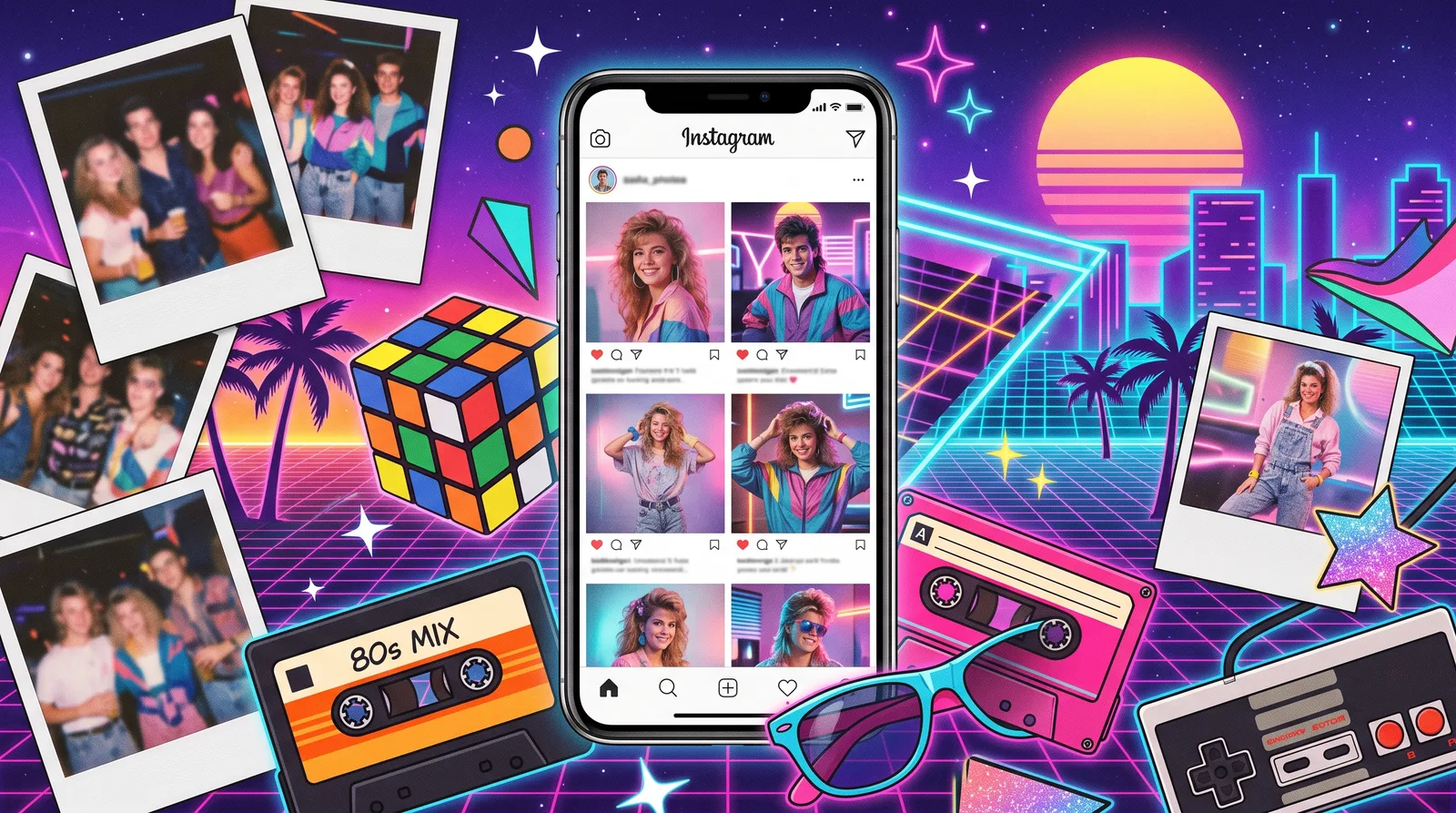
A new visual craze has taken over social media in recent days, turning Instagram feeds into true eighties photo albums. The so-called “80s trend” uses generative artificial intelligence models to turn everyday portraits into images with voluminous hair, striking outfits, and grain typical of analog film. The phenomenon’s key advantage is practicality: there is no need to download paid filters or extra apps, since established platforms like ChatGPT and Google Gemini do the job in seconds.
What drives the success of the eighties aesthetic
The wave of nostalgia is not new in the digital world, but the precision of current computer vision models has raised the standard of realism. Unlike earlier trends that produced caricatures or artificial composites, today’s algorithms faithfully preserve facial identity, natural features, and the user’s proportions. The technology only recontextualizes the setting by applying analog film textures, period studio lighting, and signature makeup.
Another factor that accelerated adoption was ease of access. Since multimodal analysis and generation are already built into free and paid accounts of popular chatbots, anyone can join in without paying for subscriptions to editing apps.
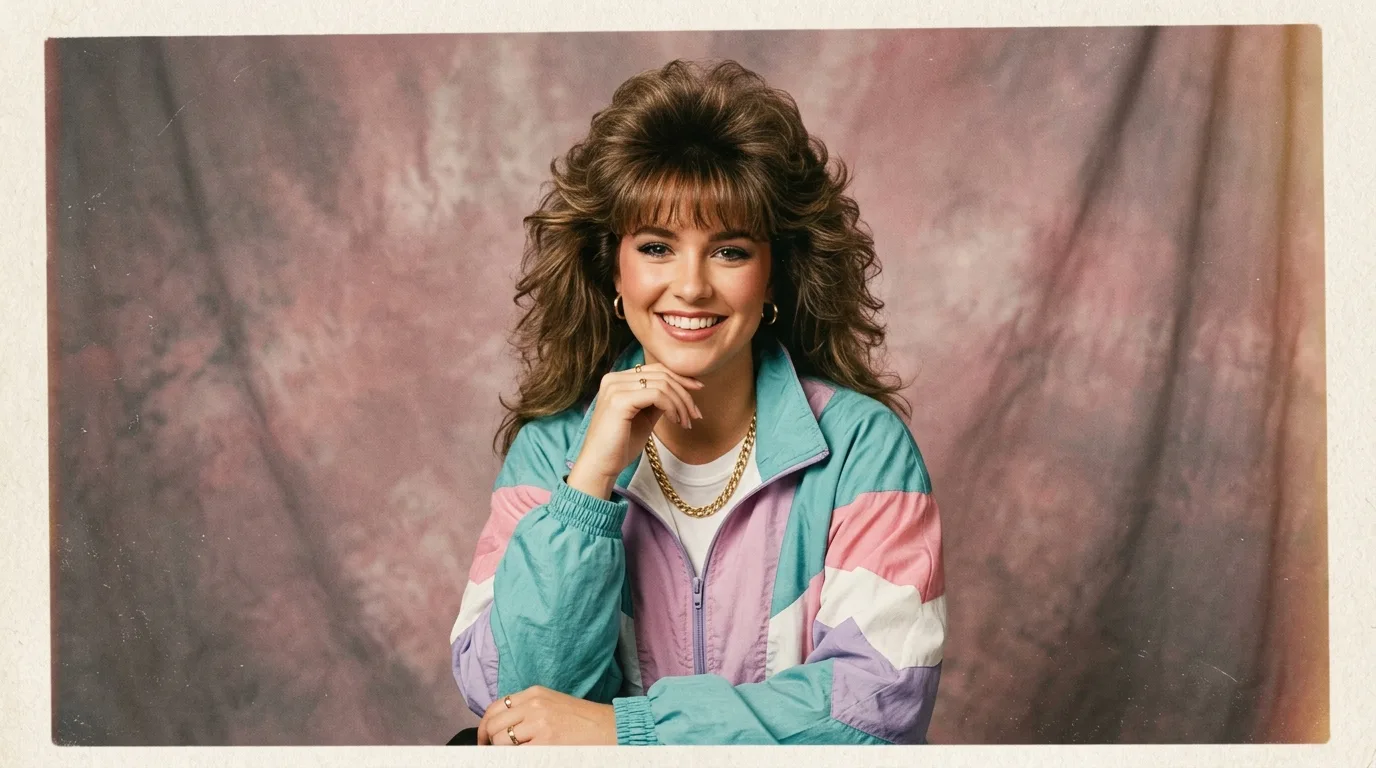
Step by step to create your version in ChatGPT
To get a believable result ready to share, the starting point is choosing the base image. Solo portraits, with a well-lit face and nothing blocking it (such as thick sunglasses or hands in front), ensure a higher success rate.
Open the ChatGPT app or website: Log in to your account and select the default chat window.
Attach the file: Tap the plus (+) or attachment clip icon and upload the chosen photo from your gallery.
Enter detailed instructions: Send the image along with guiding text that defines both the features to keep and the retro elements you want.
Request further adjustments: If the first result exaggerates features or misses the brief, ask for refinements directly in the chat, such as softening the makeup or changing the clothes.
Save and publish: Download the high-resolution file and share it on social media.
Recommended prompt for accuracy and a realistic effect
Clear instructions to the AI are key to preventing the chatbot from creating a totally different person. You can copy and paste the following command:
Alternatives and compatibility with other tools
Although ChatGPT accounts for most viral posts, the technique works identically in Google Gemini. Users of Google’s tool only need to repeat the upload process and paste the same guidance into the prompt.
Once processing is finished, images can be exported both in vertical format (9:16), ideal for Stories and Reels, and in the traditional square feed format. The feature cements conversational AIs as multifunctional multimedia creation tools in the everyday life of ordinary users.