How to Master Mortars in Wardogs and Hit Enemies Up to 700 Meters Away
Published on · Updated on
Learn to build and aim mortars in Wardogs by calculating RNG and MILS to bombard targets up to 700 meters away and secure tactical wins.
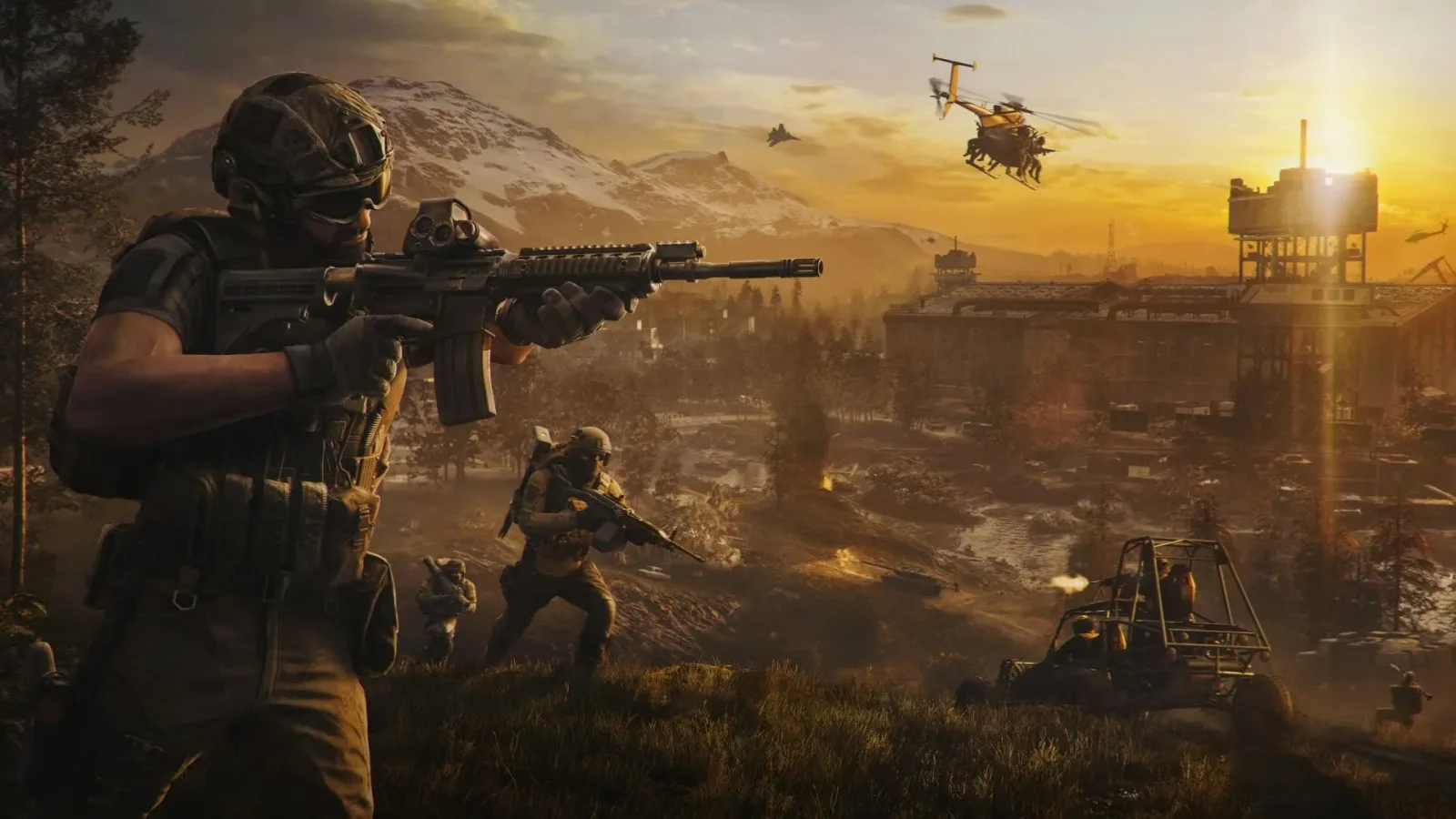
Mastering the mortar in Wardogs transforms any squad's dynamics, delivering devastating indirect fire support against fortified positions. The complex artillery interface punishes novice players who try to just point and shoot without understanding ballistics. Hitting fortifications or entire platoons at long range depends on map reading, elevation calculation and proper management of the weapon's internal parameters.
How to build and operate the artillery structure
Before launching shells at the enemy team, the squad needs to craft the piece on the field. Visit the merchant to acquire two essential items: a Large Hammer (large hammer) and the Mortar kit itself. Find a protected area, place the structure on the ground and hammer for a few seconds until assembly is complete.
With the piece deployed, press Enter to take control of firing. Primary barrel movement responds faster via the keyboard using the WASD keys. The mouse also lets you rotate the piece and apply optical zoom, although the peripheral's sensitivity is slower compared to directional commands. The compass on the mortar interface exactly mirrors the orientation ruler at the top of the player's screen, making it easier to take a bearing.
What changes in practice: RNG and MILS calculation
The ballistic display splits the fundamental controls into two side scales: RNG (range in meters) on the left and MILS (angular milliradians) on the right. The game's firing physics follows the classic rule of real artillery: the higher the barrel is elevated, the shorter the shell's travel. Lowering the inclination makes the projectile travel longer distances, respecting the weapon's 700-meter ceiling.
The equipment does not calculate distances automatically, requiring manual work from the operator. Open the tactical map, identify the enemy route and mark the target. This marking creates a white diamond on the HUD pointing to the exact azimuth to rotate the barrel. Then compare the map scale with your position to estimate the distance in meters and match the RNG with the equivalent MILS.
Impact adjustment and fire correction
After calibrating angle and bearing, fire the first mortar. The graphics engine shows a camera with the impact animation exactly where the charge detonates. This visual confirmation indicates whether the mortar fell short of the enemy line or overshot the target.
Use each miss to refine the barrel angle on subsequent shots. When the team coordinates precise scout markings with dedicated gunners, mortars block ground assaults and clear capture points with high efficiency.